Business alerts
Menu › Business alerts
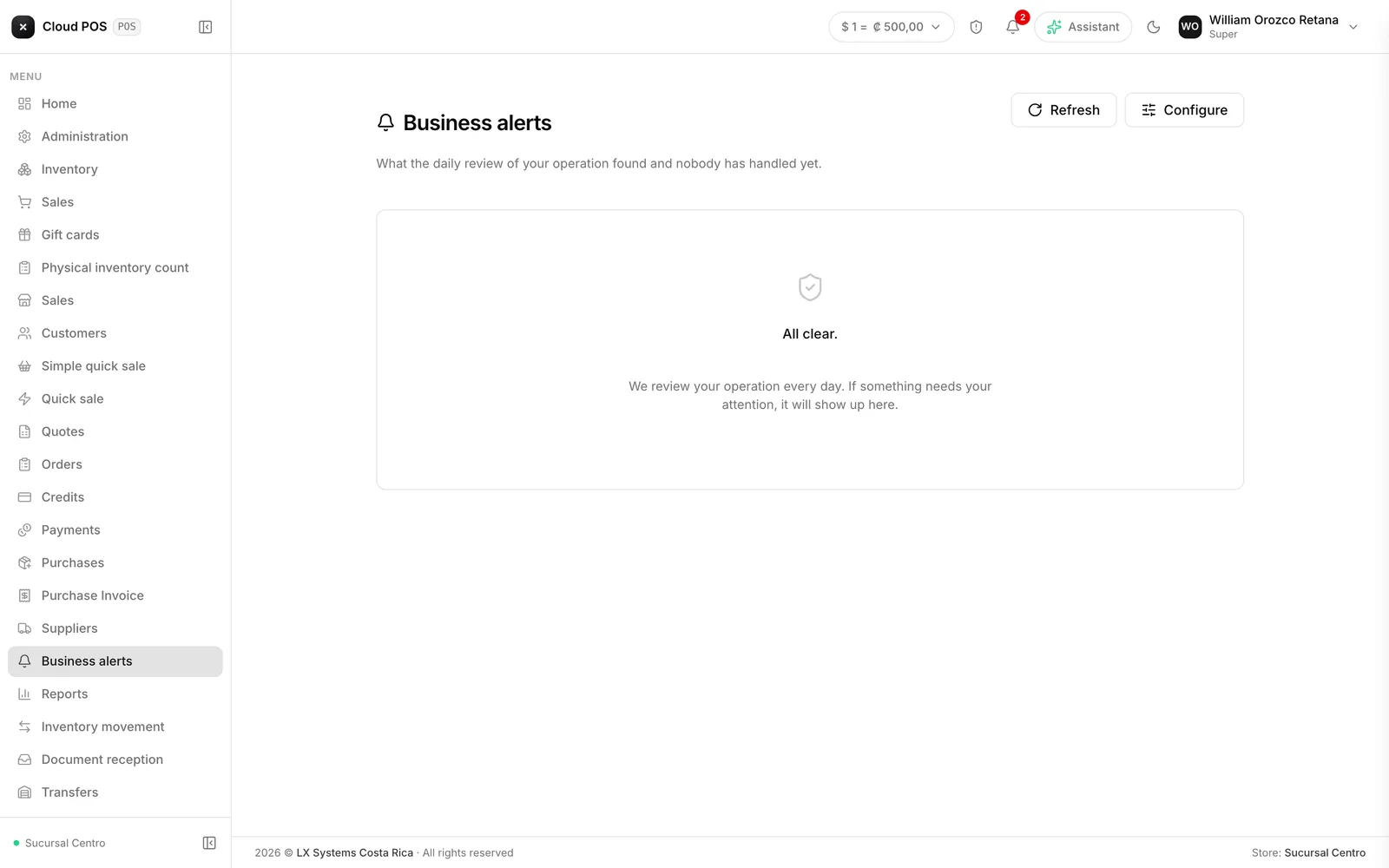
What it’s for
Every day at 6 a.m. the system reviews your operation and leaves in a tray whatever it found that nobody has attended to yet. It’s a way to find out what needs solving without having to go hunt for it screen by screen.
The menu item shows a badge with the number of alerts still pending.
It’s an add-on that’s contracted separately. If your business doesn’t have it, the section won’t show up in the menu.
The nine checks
Receipts rejected by tax authorities. Documents that were not accepted.
Charged sales that never got declared. Sales that were already collected — by card or cash — whose receipt died (tax authorities rejected it, or someone voided it) without anyone ever re-issuing that sale or refunding the customer with a credit note: money that came in with no valid document behind it. You can configure how many days back it looks.
Overdue balances. Customers with overdue credit invoices. One alert groups everything a given customer owes — it doesn’t show one line per invoice. You can configure how many days overdue triggers it, and the minimum amount.
Products out of stock. Products at zero, and separately the ones below their minimum.
Products with an incomplete record. Warns when a product promises to charge a tax or a service fee that its record isn’t properly set up for: if that happens, tax authorities reject the whole receipt the first time someone sells it — already charged. This check catches it before that happens, in the early-morning review.
Products sold with no margin. Warns when a product that’s being sold has a cost that exactly matches its sale price: every unit goes out the door without leaving any profit. A cost of zero doesn’t trigger this, because that’s the correct way to declare a product or service with no cost (a subscription, a consultation). You can configure how many days back it looks.
Register discrepancies. Cash counts whose difference is over a certain amount. You configure the minimum difference that’s worth flagging.
Unusual inventory movements. Inventory adjustments well above what’s normal. You configure how far from the average an adjustment has to be to trigger the alert.
Digital certificate expiring soon. Warns with whatever lead time you choose, in day steps (out of the box it warns at 30, 15, and 7 days). It’s the most important of the nine: without a valid certificate, the business can’t issue receipts.
What to do with an alert
Every alert carries three actions in common:
Go check it
Takes you straight to the screen where the issue is handled.
I fixed it
Removes the alert from the tray. If the issue is still there the next day, it comes back.
Discard
Silences it for a few days, without marking it as resolved.
Two of the checks also come with an action that resolves the issue right there:
On a customer with overdue balances, the “Email the statement” button emails it to them. If the customer has no email on file, the system tells you so you can add one first.
On products out of stock, the “Build the purchase” button shows a proposal grouped by supplier. Picking one opens a purchase draft in Purchases, ready to review and confirm — nothing gets bought automatically. The suggested quantity is what sold over the last 60 days for each product that’s currently at zero; anything with no sales in that period isn’t suggested.
Configuring alerts
The “Configure” button, inside the screen, lets you turn each of the nine checks on or off and adjust its threshold.
How many checks can be active at once depends on your plan. Once you hit the limit, you need to turn one off to turn another on.
Configuring requires the Administration permission. Just viewing the tray only needs the Alerts module permission.
Good to know
If the add-on gets activated while someone has a session open, the section will show up for them after they reload the page. The system shows a notice to remind them.