Roles and permissions
Menu › Administration › Roles
What it’s for
A role is a bundle of access. Instead of configuring person by person, you build two or three roles — cashier, supervisor, administrator — and each user gets assigned one.
A role has two parts
Modules decide which screens show up in the menu. At least one is required: a role with no modules can’t do anything.
Permissions decide what a user can do within those screens. There are twelve:
| Permission | What it enables |
|---|---|
| Edit invoices | Modify and issue receipts |
| Void invoices | Void receipts, and issue credit notes |
| Edit inventory | Create and modify products, record purchases |
| Edit inventory quantity | Change stock levels by hand |
| View cost price | See what each product cost |
| Edit price on sales | Change the price when invoicing |
| Assign discount on sales | Give discounts, with a maximum percentage cap configurable per role (100 = no cap; doesn’t limit a discount agreed on a customer’s price tier) |
| View account settings | Access the business’s settings |
| Cash count | Open and close their own register |
| Close another cashier’s register | Close a shift someone else left open |
| Edit an uncharged order | Cancel lines on a table’s check that hasn’t been charged yet, with a reason — doesn’t allow voiding invoices already issued |
| Close physical count | Apply the adjustment from an inventory count |
Counting is not the same as authorizing the adjustment
Close physical count ships turned on, so nothing changes out of the box. Turning it off on the role of whoever counts lets that person run the whole count but not apply the variance to inventory: someone else has to review and confirm it. It is how you keep the person who counts from being the person who authorizes — which is what an auditor expects to see.
Cash count, closing another register, and editing an order are different
Cash count is managing your own. Close another cashier’s register is a separate, supervisory permission: without it, a supervisor can’t close a shift someone left open when they clocked out. Edit an uncharged order is a third supervisory permission, for tables: without it, nobody can cancel a line on a check that hasn’t been charged yet — canceling without charging is the classic restaurant scam (serve it, collect cash, then cancel the line so the sale never gets recorded), which is why it requires a reason and keeps the name of whoever did it.
It’s worth giving to someone: otherwise a forgotten register blocks the next day.
Good to know
Assign discount on sales also depends on the payment method chosen at checkout. The role’s permission is one condition; the other is that the payment method has discounts enabled (configured separately, in Payment methods). If either one is off, you can’t apply a discount with that method.
View cost price is worth thinking about. With that permission, the person sees how much the business earns on each product.
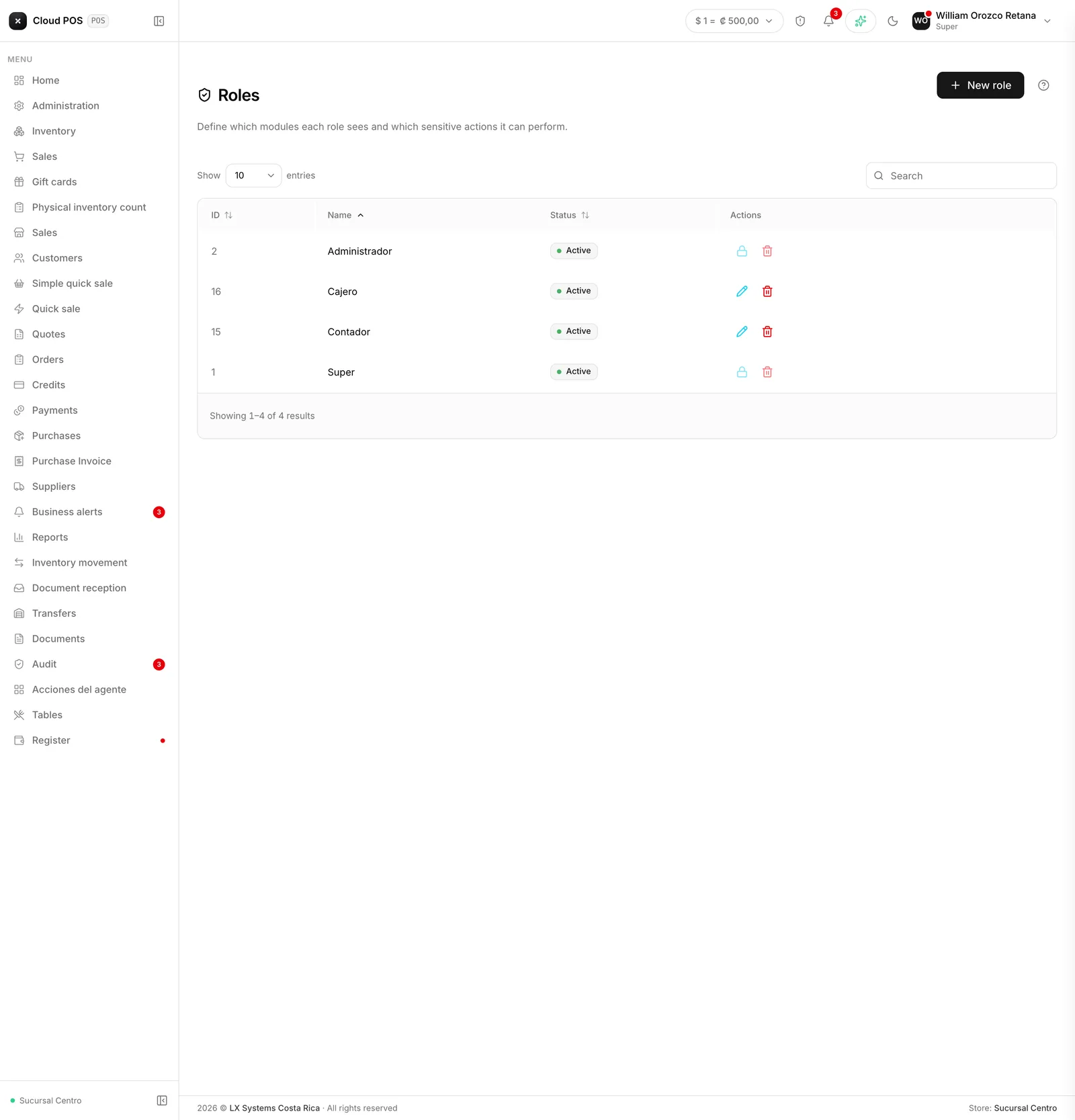
Roles aren’t deleted, they’re deactivated. Except Super and Administrator: those two belong to the system and can’t be edited or deactivated.
Role changes take effect on the next login. The menu is built when you log in, so anyone with an open session needs to log out and back in.
The form to create or edit a role opens on its own screen, not in a pop-up window.