Approvals
Menu › Approvals
What it’s for
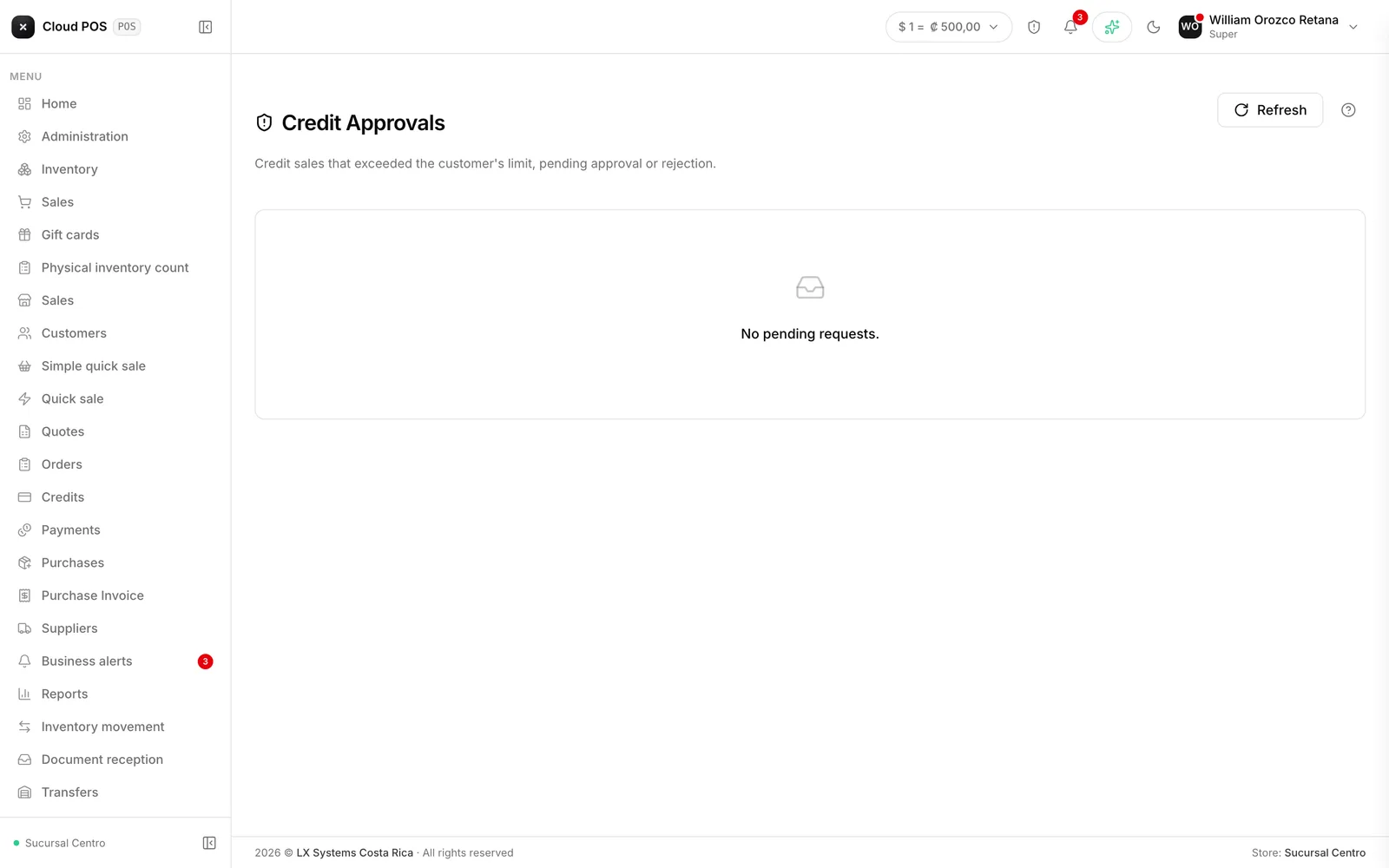
When someone tries to sell on credit to a customer who’s out of room, the sale isn’t lost and it isn’t approved automatically: it waits for authorization here.
What each request shows
The customer, the sale amount, their credit limit, the balance they already had, and how much they’re going over. Also who requested the authorization.
That’s enough to decide without having to go dig up the customer’s history.
Approving or rejecting
Both buttons accept an optional comment that’s saved along with the decision. It’s worth using: a month from now, “why was this approved” is a real question.
Things worth knowing
Only administrative roles see it. That’s the point: whoever makes the sale can’t authorize themselves.
The entire flow can be turned off. From Administration, you decide whether sales that exceed the credit limit require approval. If your business doesn’t use it, this queue never fills up.
A customer with no credit limit never triggers a request. If you’re extending credit to someone with no cap, it’s not that the system is failing: it’s that no limit is set.