Credits
Menu › Credits
What it’s for
Manages credit sales: who owes, how much, since when, and records payments.
What it shows
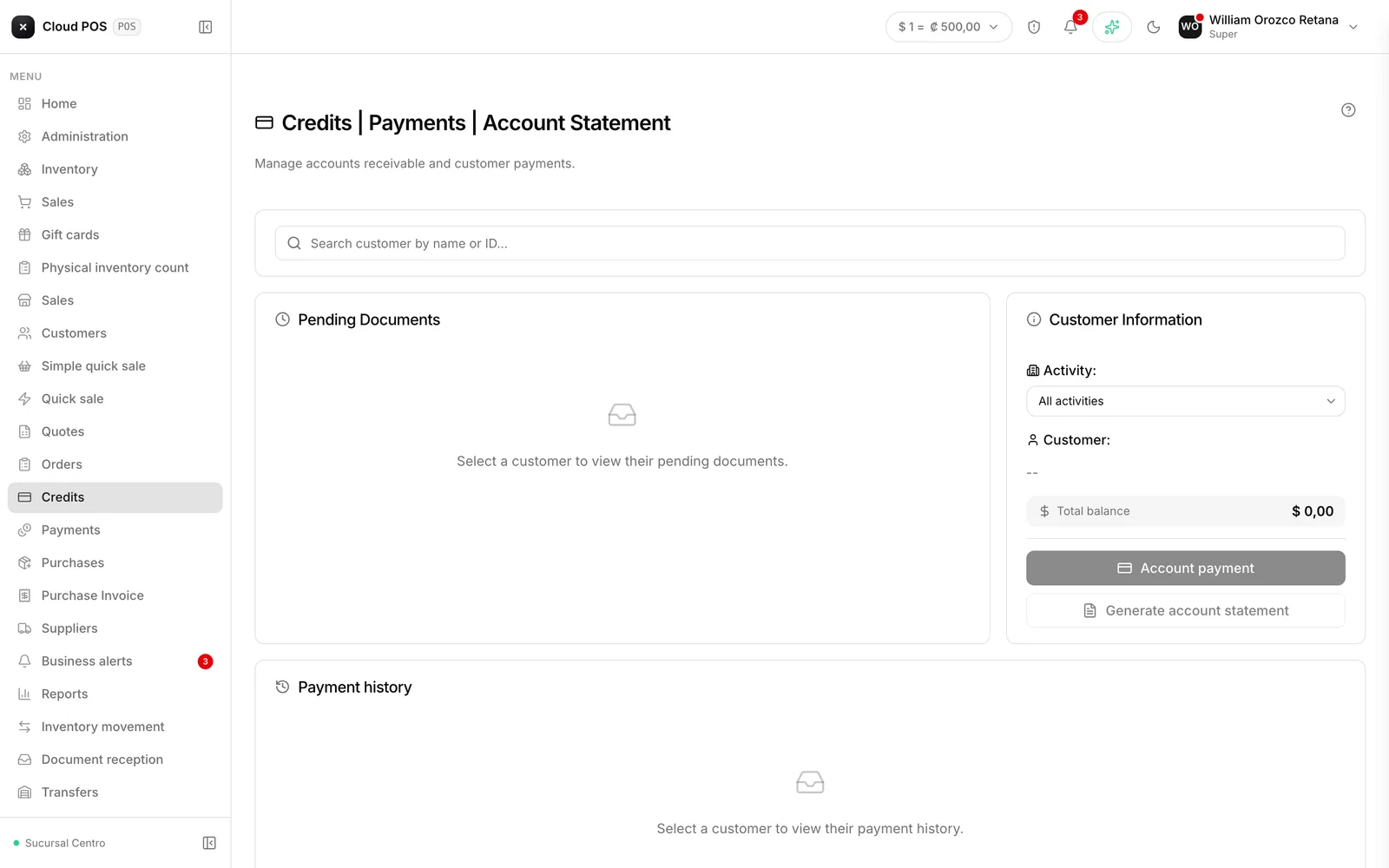
When you search for a customer, their total balance appears. If a credit limit is set, you also see how much has been used, how much is left, and an Up to date or Exceeded badge.
The screen has four sections:
- Pending documents — unpaid invoices. The days column turns red when four or fewer are left before the due date.
- Aging of balances — the debt broken down by range: not yet due, 1 to 30, 31 to 60, 61 to 89, and over 90 days.
- Payment history — payments made, each one active or voided.
- Account statement — generated and sent to the customer’s email.
Recording a payment
Check the invoices you're paying off
If you choose the payment-for-selected-invoices option, the amount is calculated automatically and locked.
Choose the payment method and the amount
If it’s cash, enter how much they paid you and the system calculates the change. The payment can also be split across several payment methods — see Split payment.
Process it
The receipt opens, ready to print.
Things worth knowing
Reversing a payment doesn’t delete it. It stays in the history marked as voided, which is correct: that way you can trace what happened and who did it.
Aging of balances is the collection tool. The 60- and 90-day ranges are the ones to go after first.
The account statement is sent to the customer’s email, and it’s what you send when there’s disagreement about the numbers.