Classify products
Menu › Inventory › CABYS with AI
What it’s for
Every product needs a tax code to be invoiced. Picking it by hand means searching a catalog with thousands of entries, one product at a time.
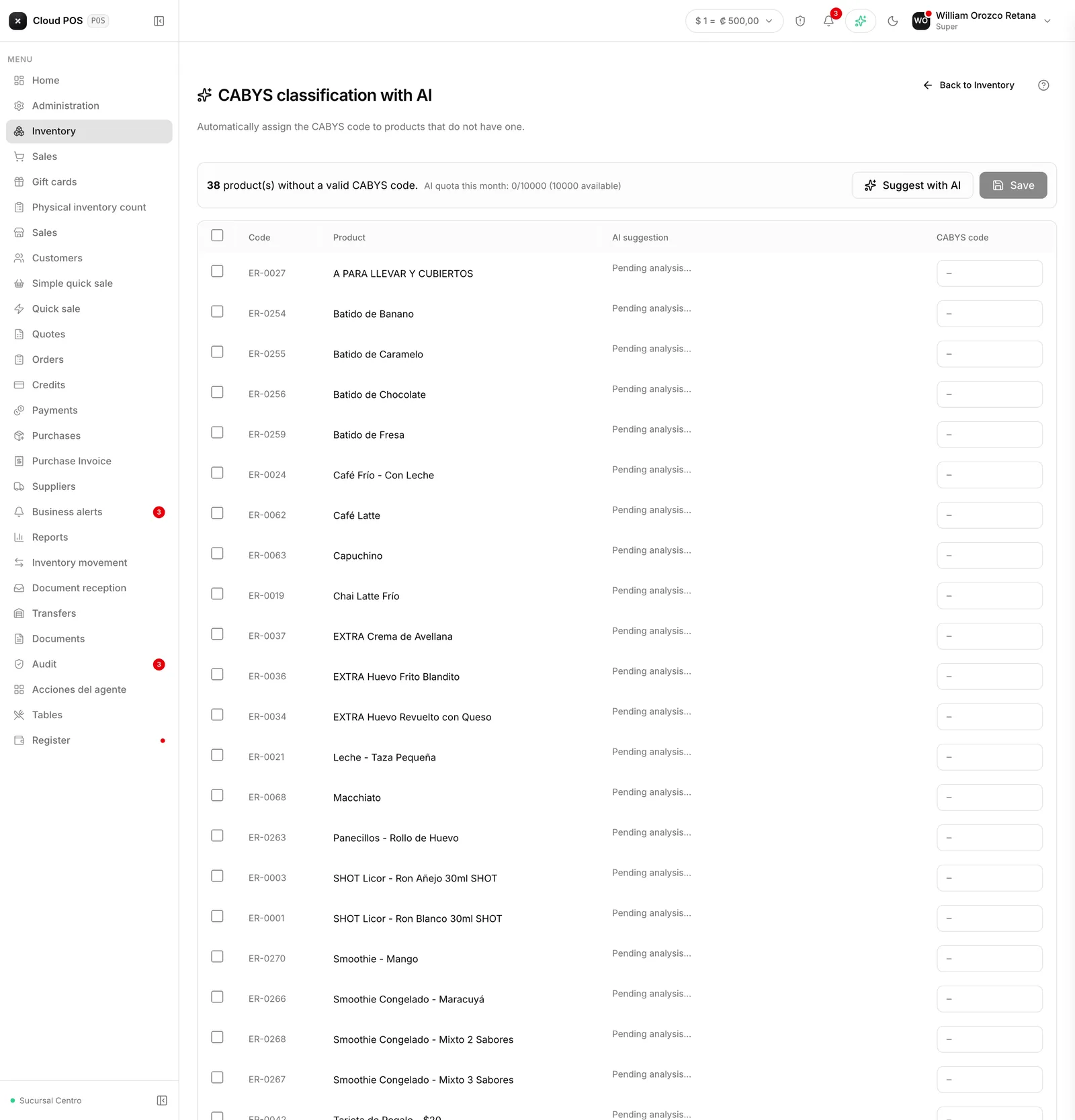
This screen suggests the code based on the product’s name, and you confirm it.
How to use it
Pick the unclassified products
The screen finds them on its own.
Review the suggestion
Each one comes with the code, its description, and why it was suggested.
Confirm or correct it
You have the final say.
Things worth knowing
Read the justification before accepting. The suggestion is good, but the tax code determines the tax charged: a mistake here repeats on every invoice for that product.
The suggestions come from the official catalog, they’re not made up. If a product doesn’t have a clear code, it’s better to leave it pending and check than to accept something approximate.
A product without a tax code can’t be invoiced, so it’s best to classify everything before you start selling.