Inventory movements
Menu › Inventory movement
What it’s for
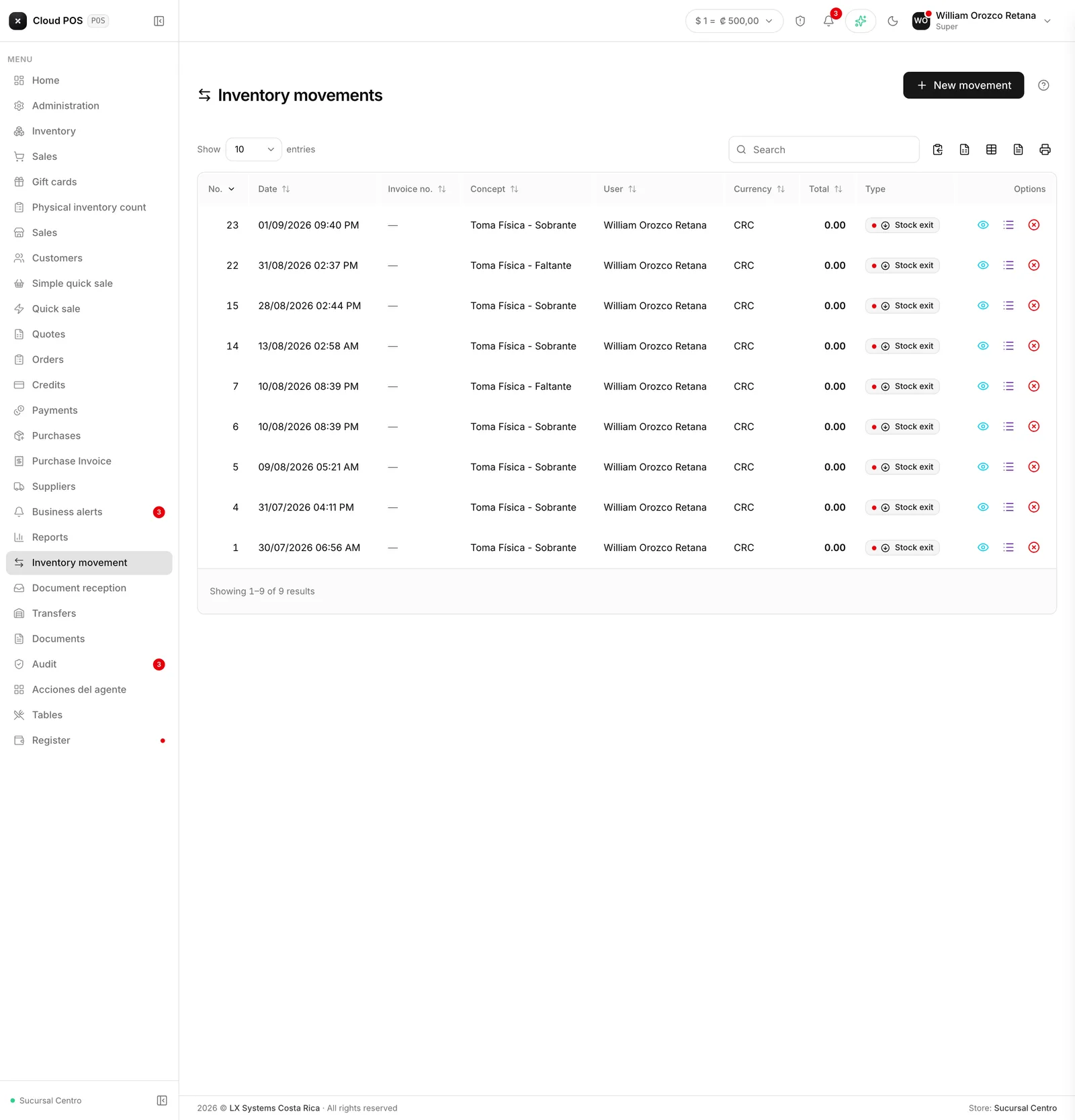
It’s the inventory log: every time a stock level changed for something that wasn’t a sale or a purchase, it’s recorded here with its reason.
Why it exists
Because stock isn’t edited, it’s moved. If the number could simply be changed, by next month no one would know why inventory doesn’t add up.
With movements, the question “where did those twelve units go?” has an answer: shrinkage, count, breakage, internal use.
Things worth knowing
This is where you check the history. To record a new one, use New movement.
If inventory doesn’t add up, start here. Filter by product and read the full history.
A movement can be deleted, if it was recorded by mistake. When you delete it, the quantities of the affected products go back to what they were before; no reverse movement is left on record, the movement disappears. It depends on the same permission as recording one.