Purchases
Menu › Purchases
What it’s for
Records the merchandise coming into the business. It’s what adds stock: if the purchase isn’t recorded, inventory doesn’t grow.
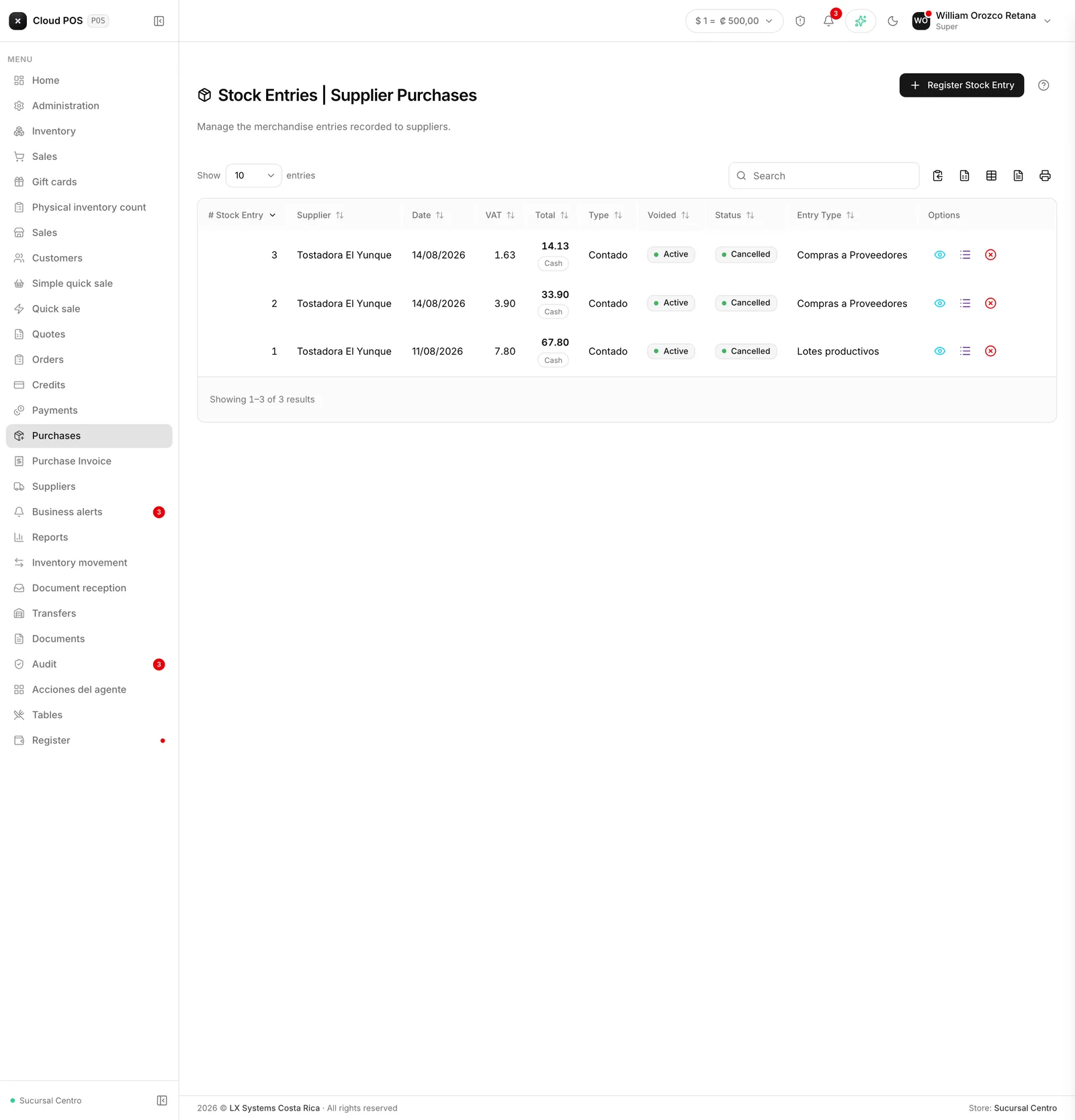
What you see in the list
Each purchase shows the supplier, the date, the tax, and the total. And two statuses worth not confusing:
- Voided / Active — whether the purchase still counts.
- Pending / Paid — whether you’ve already paid the supplier.
A purchase can be active and pending at the same time: the merchandise came in, but you still owe for it.
Actions on a purchase
View opens the receipt. View products shows the lines with quantities and prices.
Void undoes the purchase, and the system warns you clearly: voiding subtracts from inventory the quantities that had come in. If you already sold part of that merchandise, stock will end up negative.
Worth knowing
Recording purchases is what lets you know how much you’re making. The system calculates profit by comparing the sale price against the cost, and the cost comes from here.
If the register button is grayed out, your role doesn’t have permission to modify inventory.