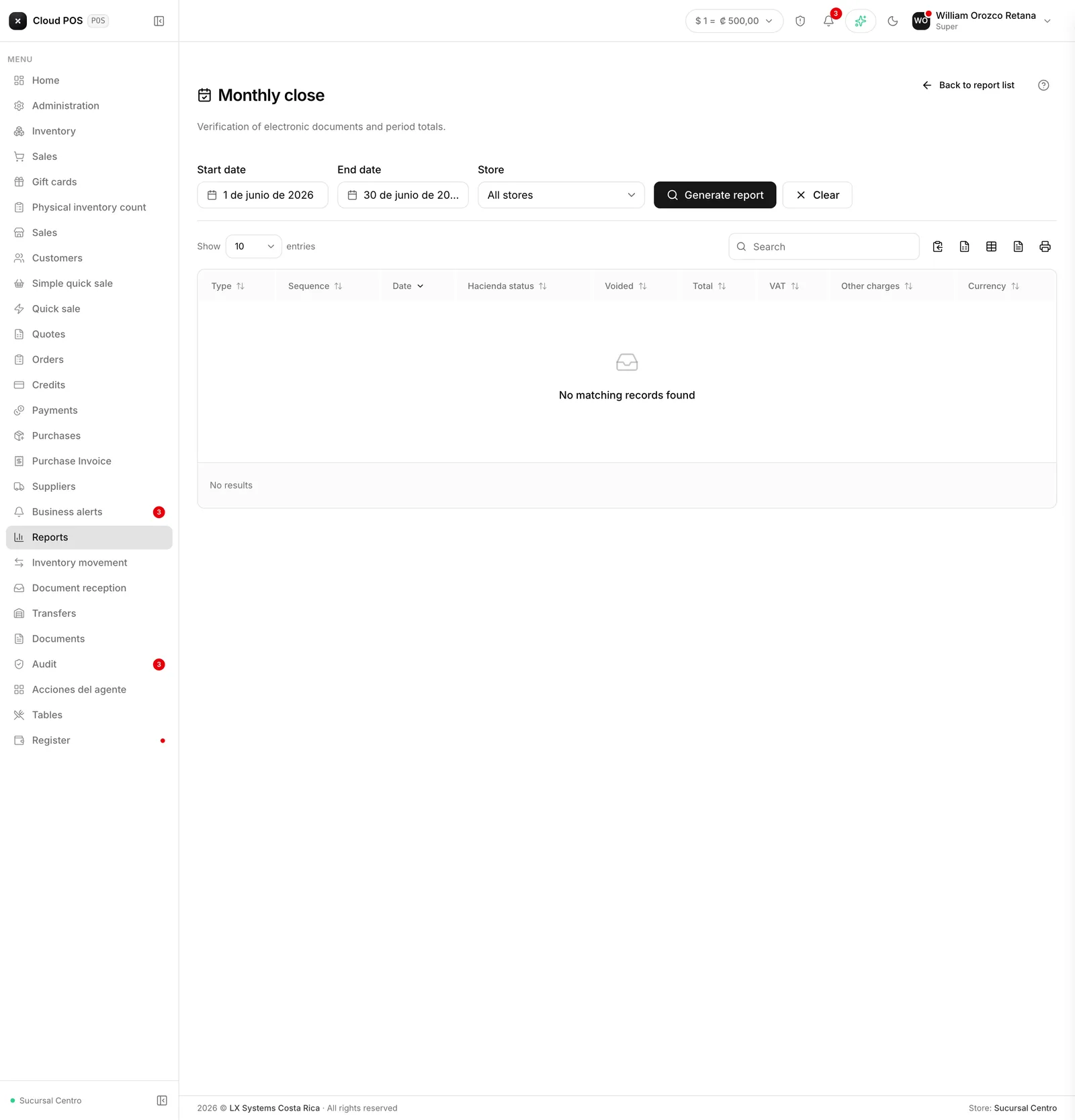
Monthly close
Menu › Reports › Monthly Close
What question it answers
“Did everything go well this month?” Reviews the period’s receipts and flags the ones that need attention.
When to check it
On the first business day of the following month, before handing the numbers to your accountant.
The red block is what matters
If there are rejected, processing, or unreceived documents, they show up separately with a red heading and a count. That’s the work of the close: resolve them before filing.
A rejected receipt nobody looked at is money collected without a valid backup document.
Good to know
Totals exclude voided documents, but not rejected ones. The total invoiced and tax collected also add up the documents that appear in the red block — that’s why you need to resolve them before treating those numbers as final.
If the red block is empty, the month closed clean. That’s the result you want.
For rejected documents, the action happens in Documents: that’s where you see the reason and can reprocess it.
You can filter by point of sale, if the business has more than one.
If your business handles more than one currency, the totals card adds a line below with ”≈ [amount]” converted to the main currency — it’s a reference, it doesn’t replace the breakdown by currency above it.