Customers report
Menu › Reports › Sales by Customer
What question it answers
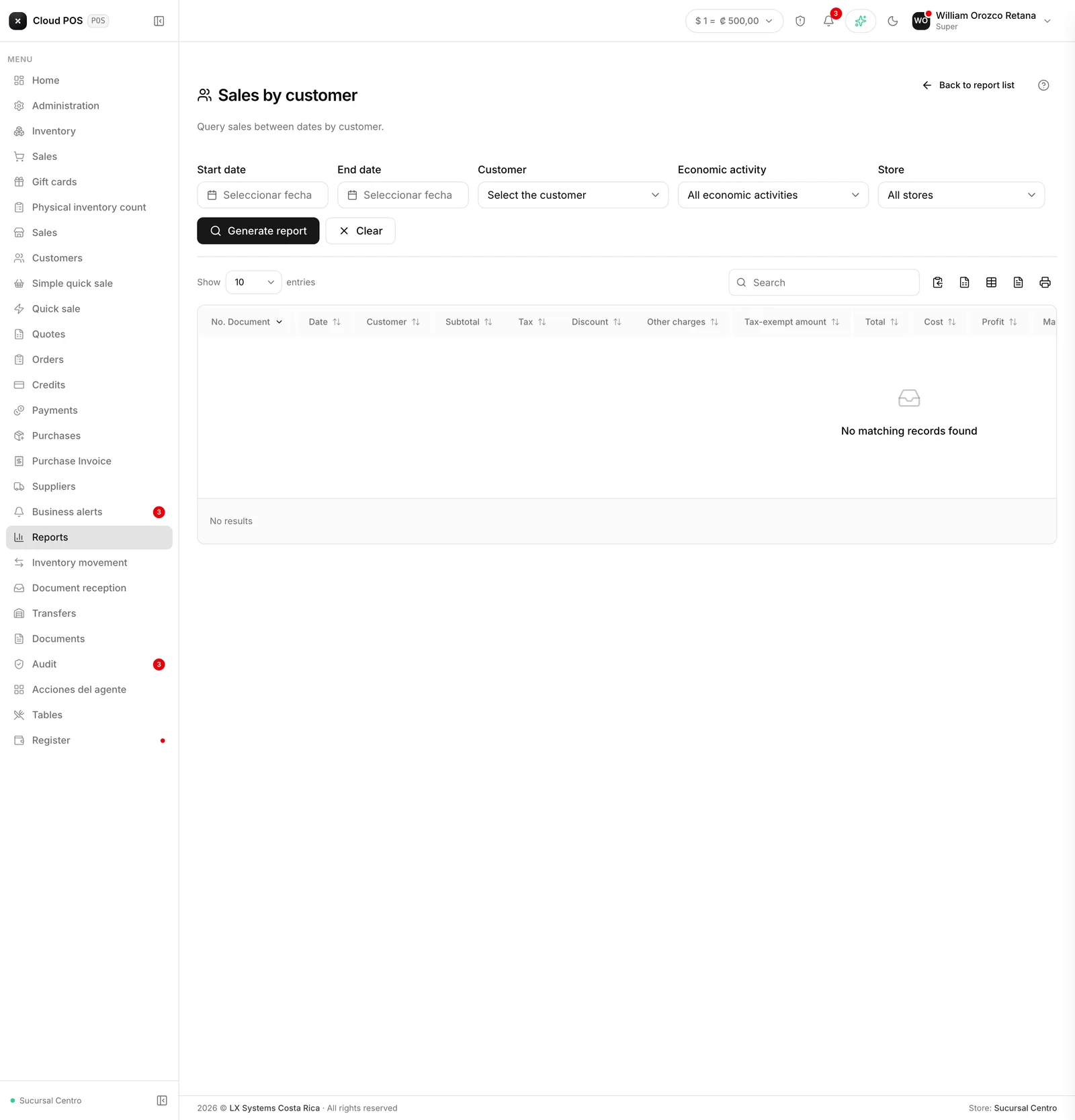
“What did this customer buy from me?” Lists the documents issued to a customer in the period, with their totals.
When to check it
When a customer disputes something, when you need to negotiate a price, or before deciding whether to raise their credit limit. Having the history on hand changes the conversation.
How much it leaves you, not just how much you invoice
Each document carries, on top of the invoiced total, its Cost, its Profit, and its Profitability % — and above the table there’s a card with the Profit for the whole period, painted red if it comes out negative.
If the cost of some product on the line couldn’t be calculated, those columns come out blank, not zero: they’re different things. One says “I don’t know what it cost,” the other would say “it made nothing,” and mixing them up makes a product that simply has no cost on file look bad.
Good to know
You have to pick a customer — it doesn’t load on its own. There’s also an option for all customers if you want the full picture.
It shows what was invoiced, not what was collected. To find out how much a customer owes, use Credits or Accounts receivable.
You can filter by economic activity, useful if the business invoices under more than one.
You can filter by point of sale, if the business has more than one.