Accounts receivable
Menu › Reports › Accounts Receivable
What question it answers
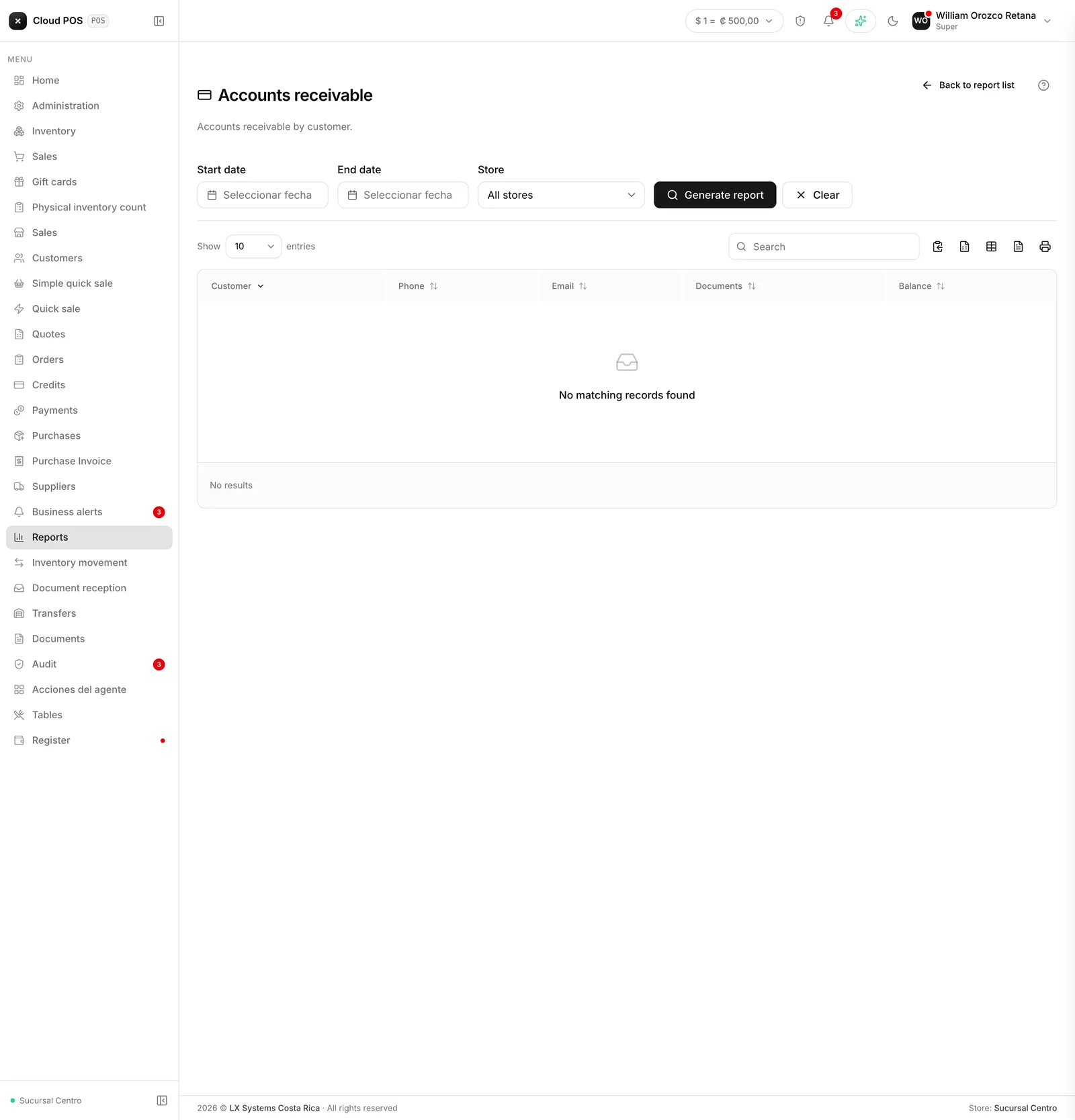
“How much do customers owe me in total, and who owes it?” One row per customer, with their phone number, the number of pending documents, and the balance.
When to check it
To find out how much money you have out on the street. And as a call list: it puts the phone number right next to the amount, which is exactly what you need to start collecting.
Good to know
It’s a summary by customer, not the detail of each invoice. For the detail, open Credits for that customer.
It doesn’t distinguish overdue from not-yet-due. For that, use Overdue accounts, which is the report that tells you who to call today.
It exports to Excel, and that list is the starting point for a day of collections.
You can filter by point of sale, if the business has more than one.