Executive summary
Menu › Reports › Executive Summary
What question it answers
“How did I do?” — and it answers in prose, not columns.
The other reports give you numbers and let you draw the conclusion. This one reads them for you: sales, trend, receivables, and inventory, and tells you what’s happening and what’s worth a closer look.
When to check it
On the first day of the month, to close out the previous one. Or when you get back from a trip and want to catch up without checking five reports.
How to use it
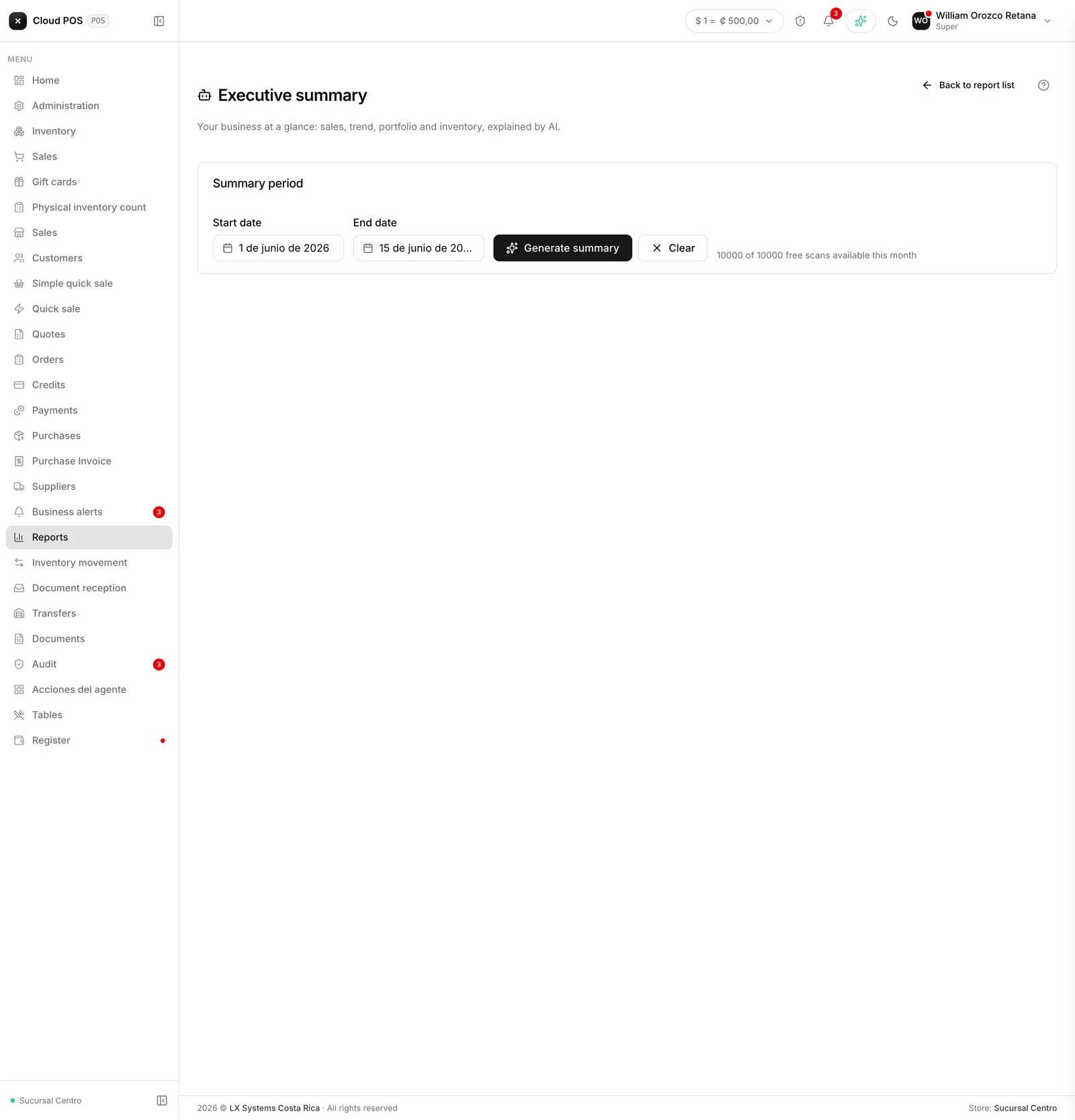
Pick the date range and press Generate summary. It takes a few seconds.
Good to know
It has a monthly quota. The screen shows how many free analyses you have left. If you repeat the same period, the answer comes from what was already generated and doesn’t use up your quota.
It’s a summary, not an audit. For exact numbers, use the specific report. This one is for knowing where to look.
You can print it from the button at the top. It’s the report people take printed to a meeting.