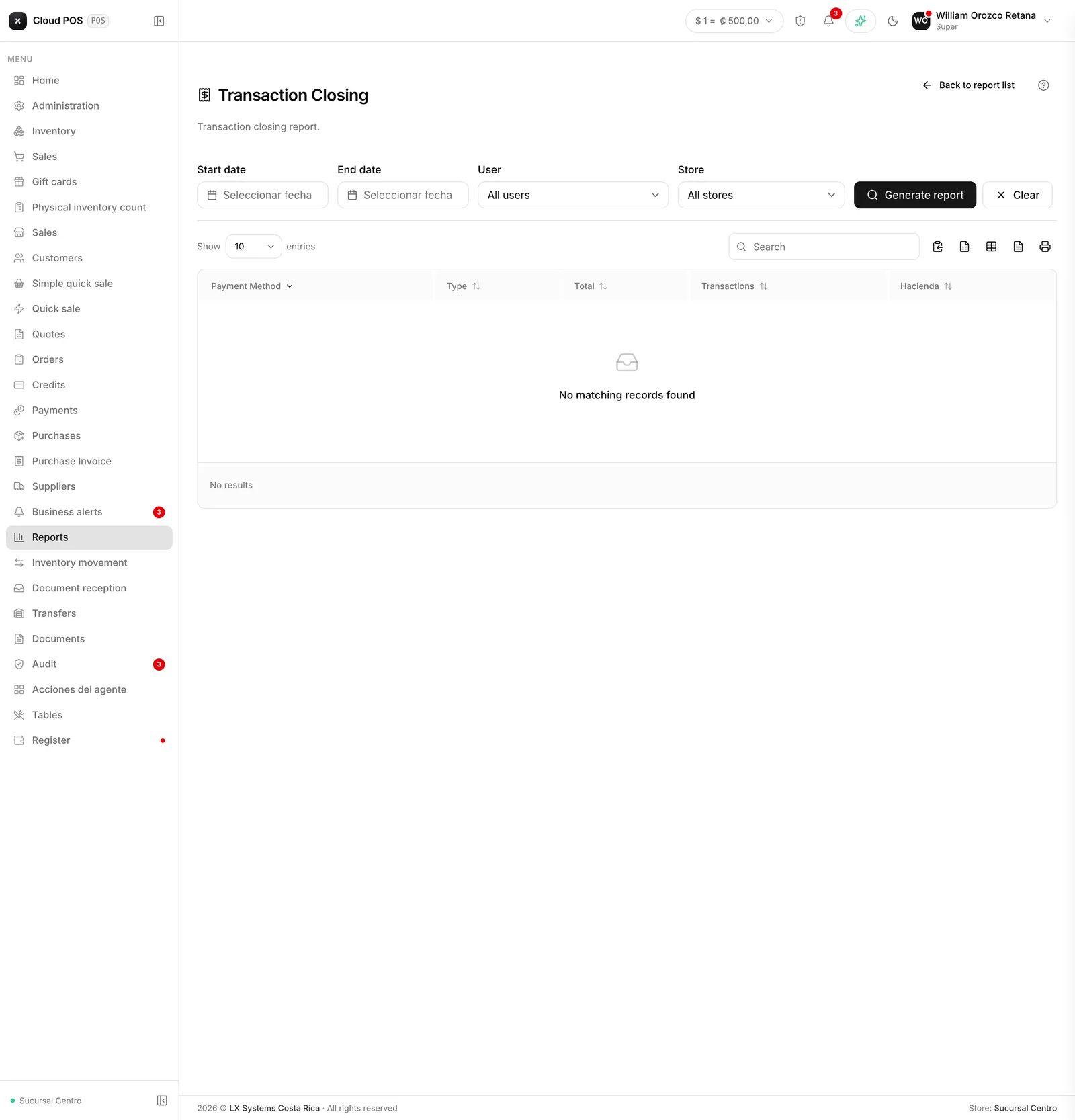
Transactions
Menu › Reports › Transactions - Close
What question it answers
“How much came in, and through what?” Splits what was collected by payment method, and separates cash from what stayed on credit.
When to check it
At the end of a shift or the day, to balance against the register and against the card voucher.
The average ticket
It’s the total collected divided by the number of transactions. It’s useful for comparing days: a day with fewer sales but a better average ticket isn’t necessarily worse.
Rejected documents
If there are receipts rejected by Hacienda, they show up in their own card, in red, and stay out of the totals.
This is deliberate and worth understanding: that money was collected, but the receipt isn’t valid. They used to be hidden and the register wouldn’t balance without anyone knowing why. Now they show up separately, so they can be resolved.
Good to know
You can filter by user, which is how you balance a specific cashier’s shift.
You can also filter by point of sale, if the business has more than one.
Cash and credit are counted separately because they’re not the same for the register: credit hasn’t come in yet.
If your business handles more than one currency, the totals card adds a line below with ”≈ [amount]” converted to the main currency — it’s a reference, it doesn’t replace the breakdown by currency above it.