Sales report
Menu › Reports › Sales Report
What question it answers
“How much did I sell, and in what?” It’s the base report: every document issued, with its customer, its total, its tax, and its status.
How to use it
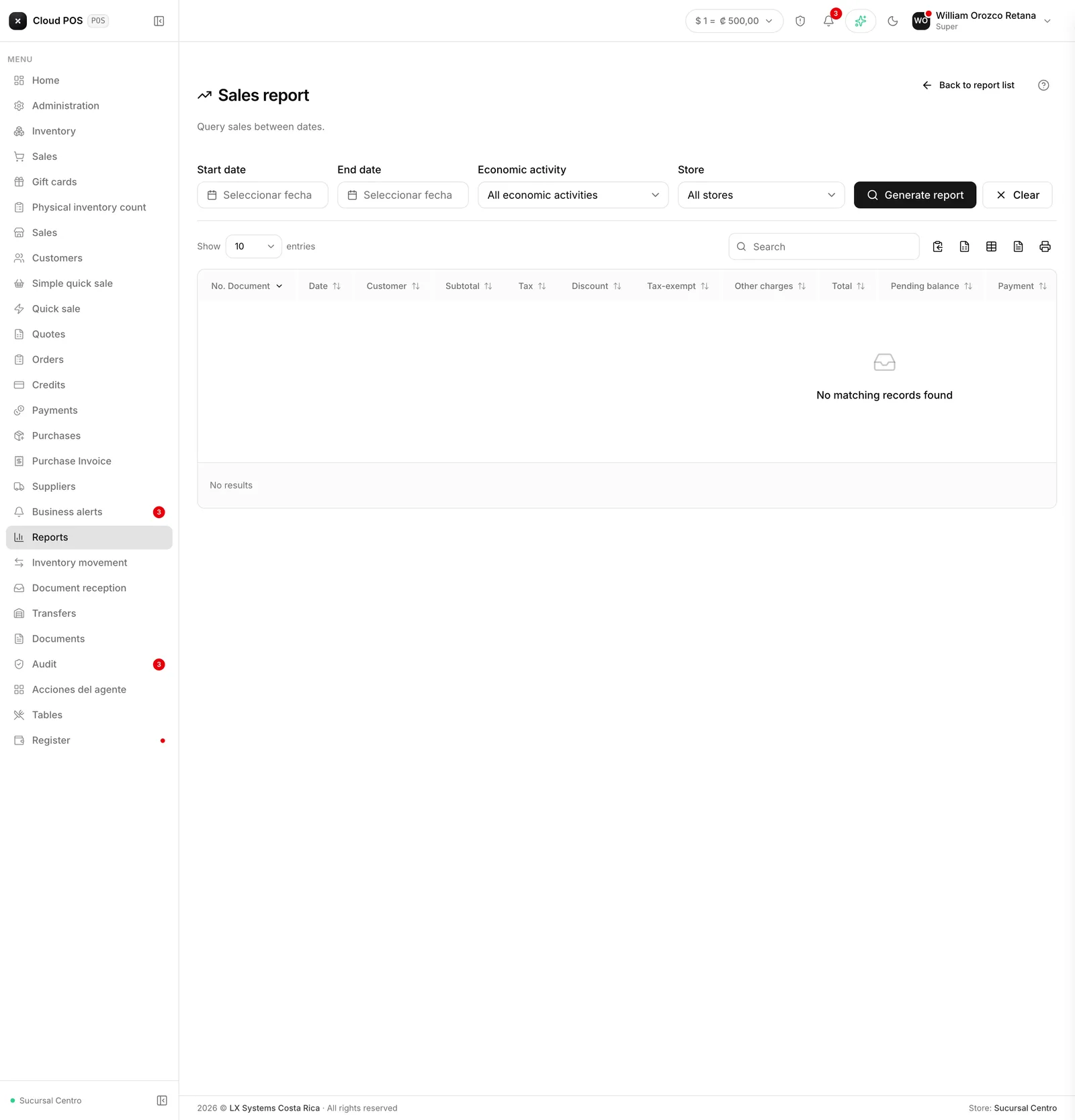
Pick the date range. Optionally filter by economic activity or by point of sale.
Totals for the period appear at the top: exempted, other charges, tax, and total.
Good to know
Totals exclude voided and rejected documents. That’s intentional: those are the sales that actually count. If the total doesn’t match what you expected, check the Hacienda column — there may be rejected documents you assumed were fine.
It includes invoices and receipts. Both count as sales.
The Pending column tells you what’s still uncollected. For working collections, Accounts receivable is better, but here you see it alongside the sale.
It exports to Excel with the button on the table.
If your business handles more than one currency, the totals card adds a line below with ”≈ [amount]” converted to the main currency — it’s a reference, it doesn’t replace the breakdown by currency above it.