Preparation stations
Menu › Inventory › Stations
What it’s for
When a business prepares food in more than one place, the order has to split: the food to the kitchen, the drinks to the bar. Stations are those destinations.
If everything is prepared in one place, this screen changes nothing. You can ignore it.
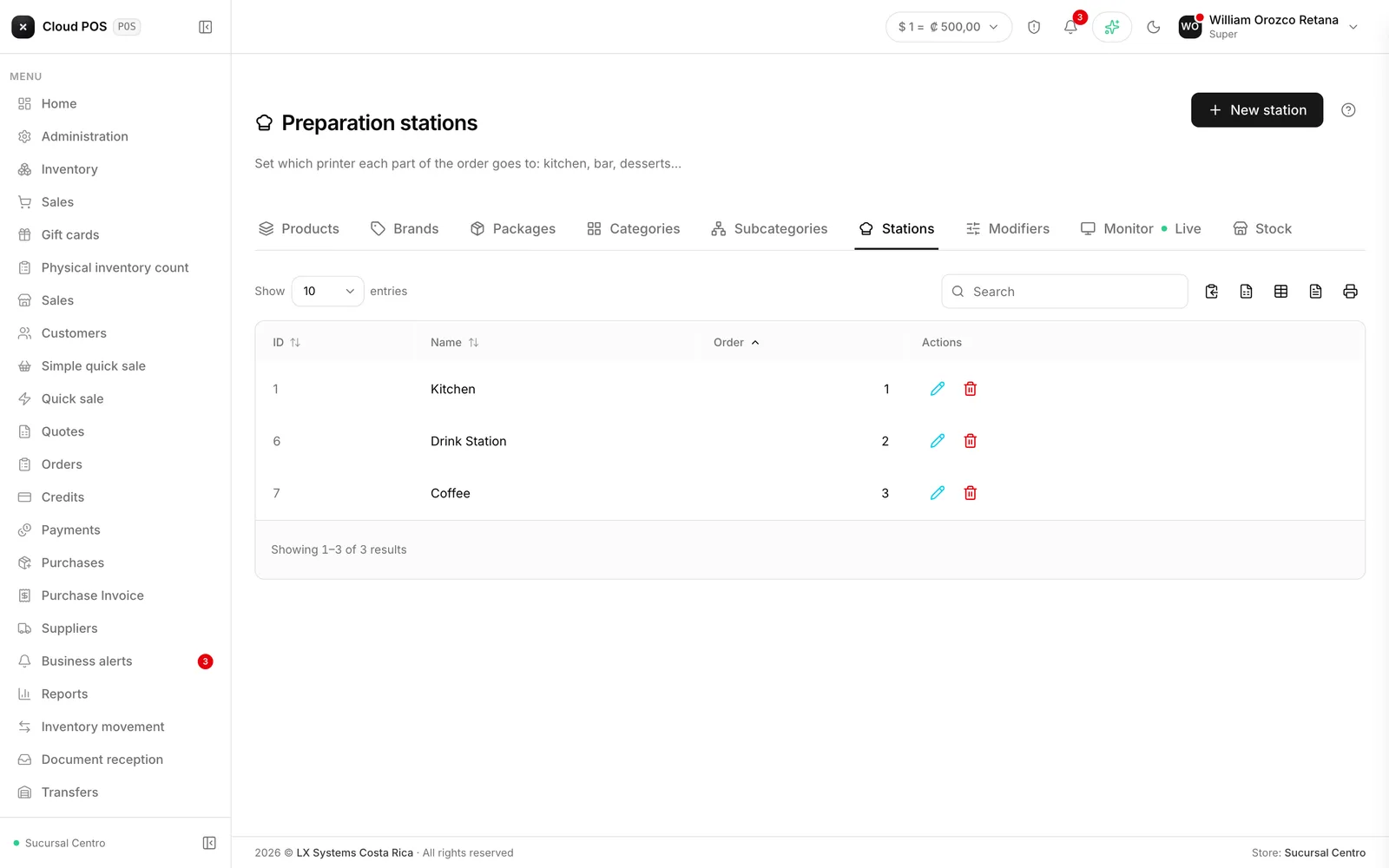
Setting them up
Create a station for each place where you prepare food
Kitchen, Bar, Desserts. It only asks for a name and an order.
Assign the categories
You do that from Product Categories, not here: each category picks which station it goes to.
The default station
The first active station, by order, receives everything that has no station assigned. That’s why the first one should be your main one — usually the kitchen. If that station is turned off, the role passes to the next active one in the order.
Things worth knowing
Deleting a station in use warns you how many categories use it. If you continue, those categories start printing at the default station. Nothing gets lost, but it’s worth checking.
Turning a station off isn’t deleting it. An inactive station stops receiving new orders and keeps its history.
The order number stays the same even when it’s split. The kitchen and the bar each get their part with the same number, so the waiter can put together the full order without confusion.