Gift cards
Menu › Gift cards
What it’s for
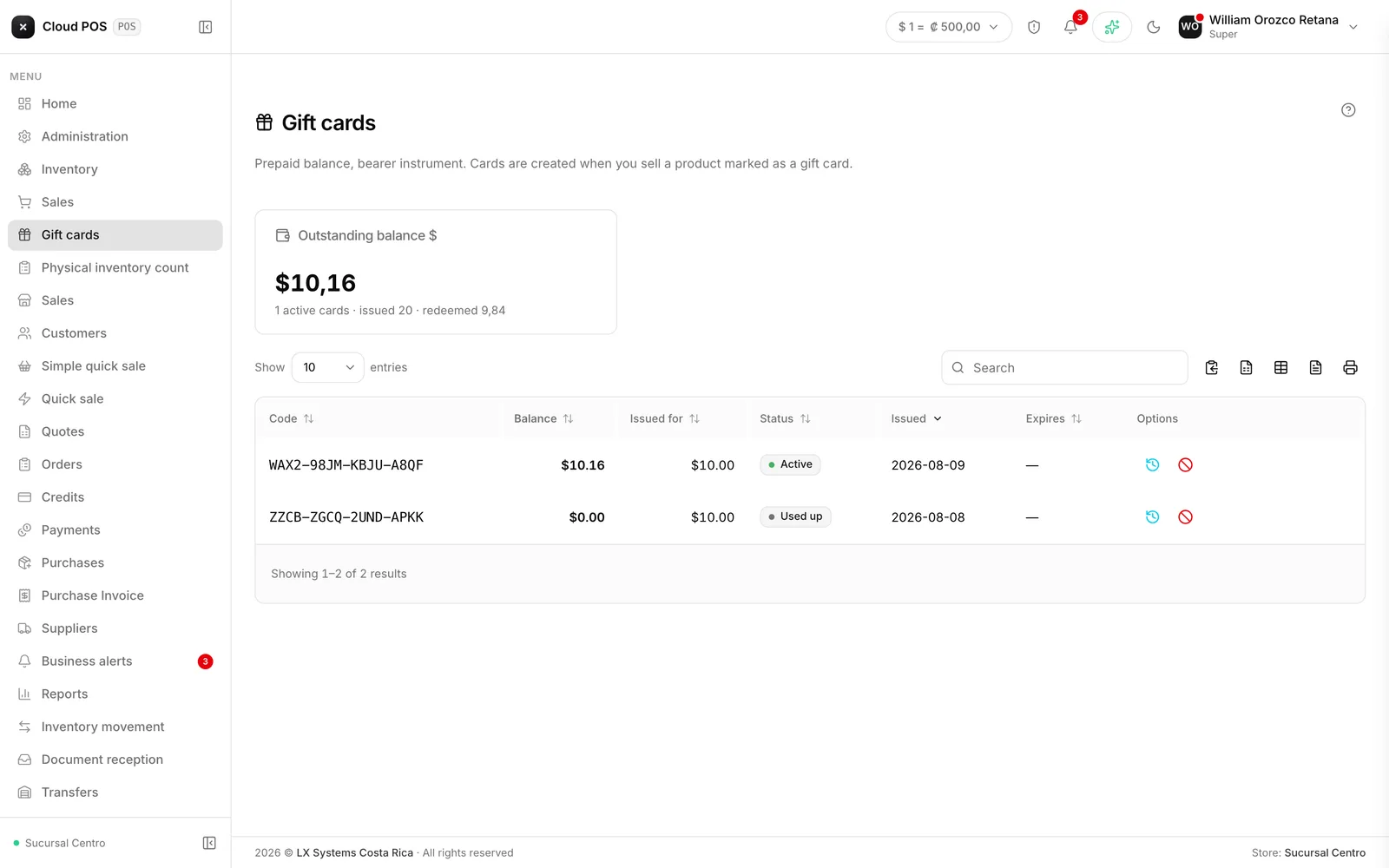
A gift card is prepaid balance made out to the bearer: someone pays today and whoever holds it spends it later. This screen manages the cards issued, their balance, and their movements.
The life of a card
It's sold like any other product
From any sale screen. When it’s paid for, the card is issued with its code.
The code is handed to the customer
It comes in four groups of four characters, designed so it can be read out over the phone without mistakes.
It's redeemed at checkout
On any sale screen, like any other payment method.
The balance goes down
If it doesn’t cover the whole purchase, the rest is charged to another payment method on the same invoice — see Split payment.
What you see for each card
The code, the current balance, the issue date, who issued it and at which store, and whether it has an expiration date. The movement history shows each redemption along with the store where it was used.
The statuses are Active, Depleted (all the balance has been used), Expired (past its deadline, if the card has one), and Voided.
Voiding a card
It requires a reason — “card lost,” for example. It’s recorded along with the voiding. A voided card immediately stops working as a payment method.
Good to know
If the card covers the full amount, checkout doesn’t ask for cash. That’s correct: there’s nothing left to collect.
When a card fails, the system says why — no balance, voided, expired — instead of a generic error. Read it before telling the customer it “doesn’t work.”
A return on a purchase paid with a gift card goes back to the card’s balance, not to cash.
This screen is turned on per business. If you don’t see it and you’re interested, write to us.