Quick sale
Menu › Quick sale
What it’s for
Records a payment with its product detail, without issuing an electronic receipt. It’s the form version of Simple quick sale.
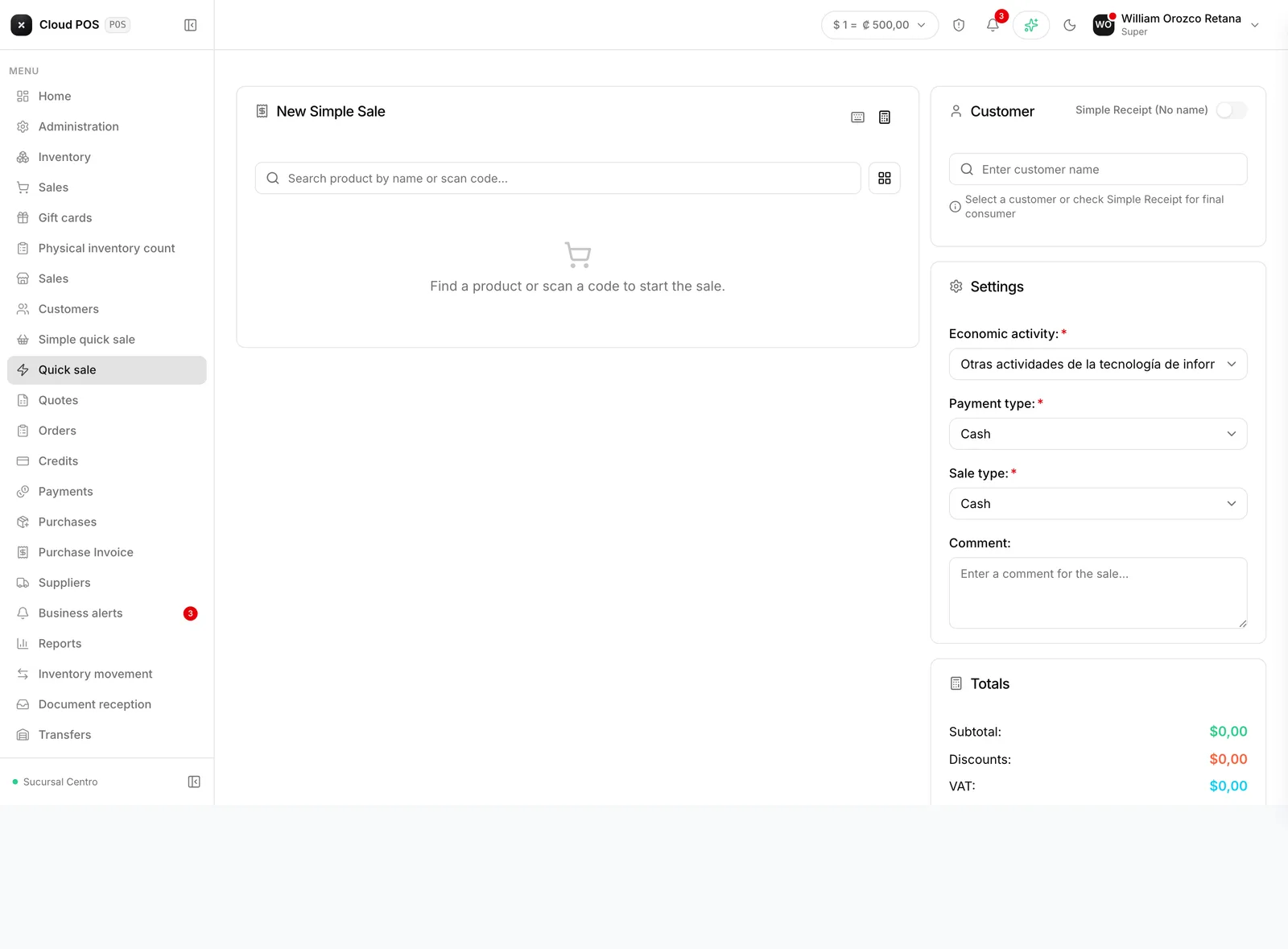
Recording a sale
Add the products
By name or by scanning the barcode.
Choose the customer or leave it as final consumer
Collect payment
You can collect with a single payment method, or split it across several — see Split payment. An internal sales receipt is generated, which you can print or save.
Good to know
It doesn’t go to Hacienda, and it shouldn’t. This screen exists for the business’s internal control. If the customer needs an invoice, use New sale.
There’s no way to convert it later. A quick sale can’t be “turned into” an invoice: it would have to be recorded again from Sales.
It still discounts inventory. What’s sold here comes out of stock like any other sale.