Simple quick sale
Menu › Simple quick sale
What it’s for
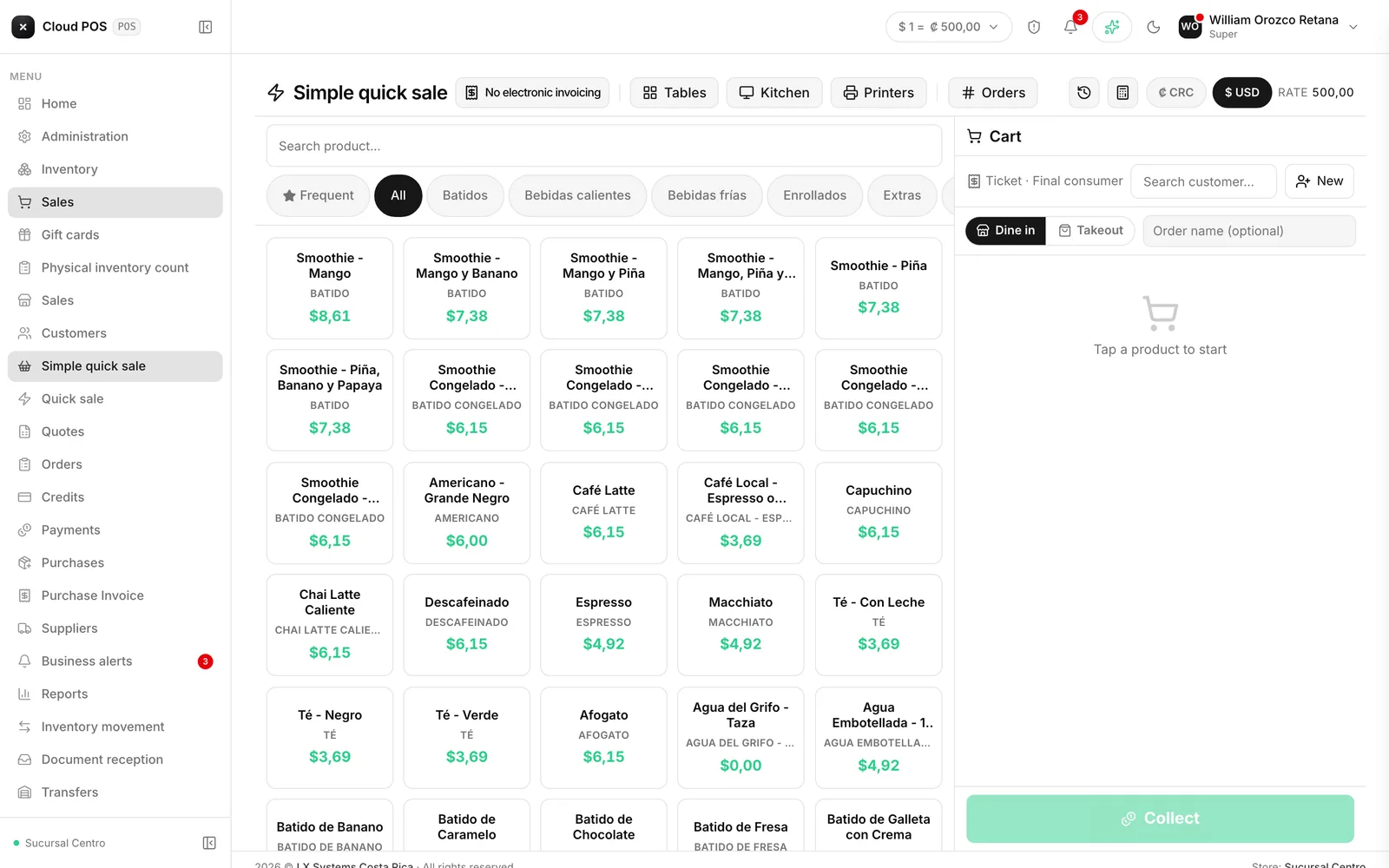
It’s the same screen as Quick sale (touch), with one difference that matters: the receipt is recorded in the system but not sent to Hacienda.
It’s for payments that don’t require a fiscal receipt, when you still want to track what came in and deduct it from inventory.
How to use it
Same as Quick sale (touch): tap the products, adjust quantities, and collect payment.
When NOT to use it
If the customer asks for an invoice, don’t. This screen doesn’t issue a fiscal receipt, and there’s no way to later convert a simple sale into an invoice: it would have to be recorded again from Sales.
When in doubt, use the regular Quick sale (touch). Issuing more than needed costs nothing; issuing less does.
Good to know
This screen doesn’t show up in every business. It’s turned on by request, precisely because collecting payment without a fiscal receipt has implications. If you don’t see it in your menu and think you need it, write to us.
It does discount inventory and it does count toward the register. The only thing it doesn’t do is issue the electronic document.