Historical Profit: how much you earned each month, and it stays put
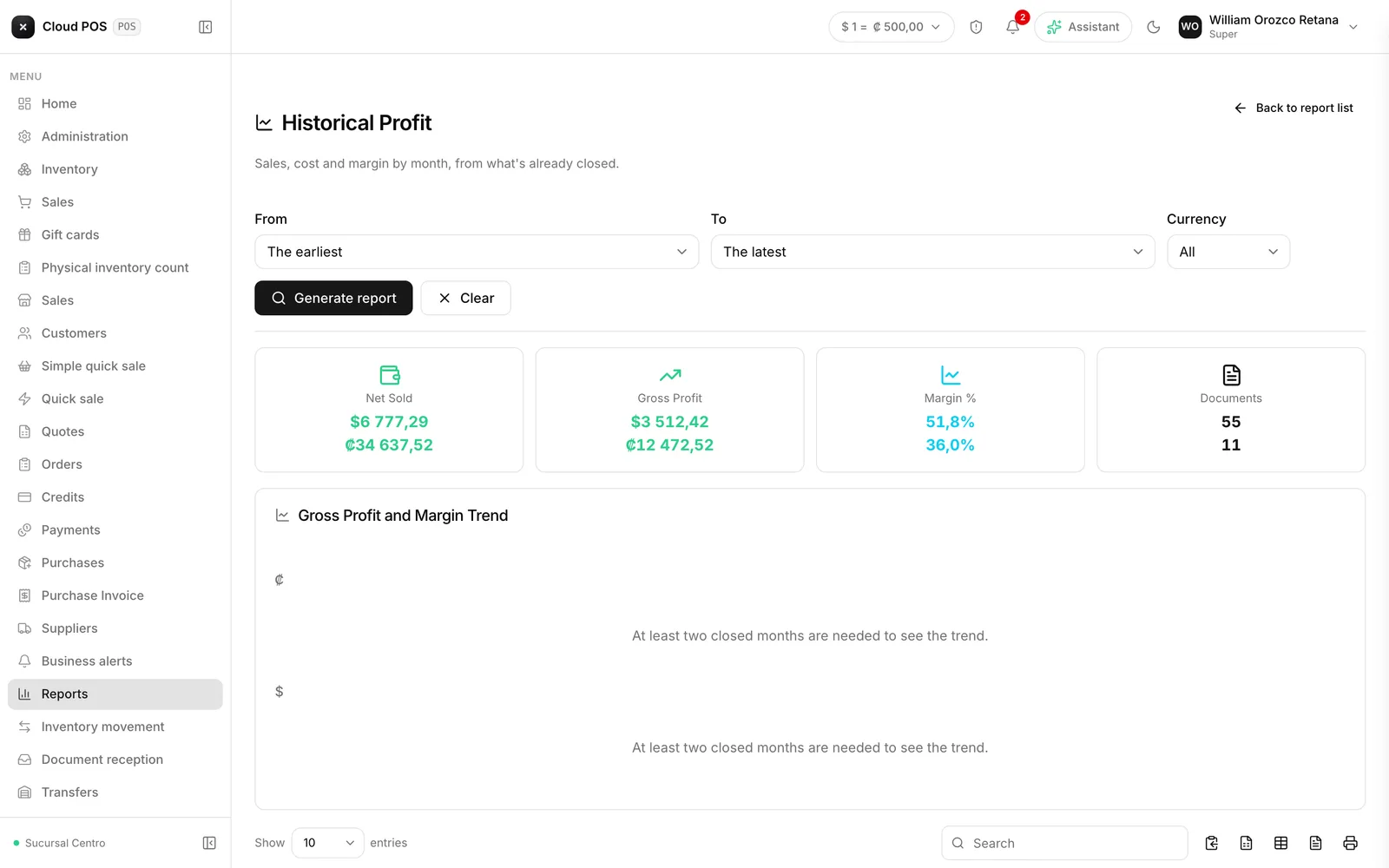
Version of Friday, September 18, 2026There’s a new report under Reports: Historical Profit. It shows, month by month, what you sold, what it cost, and how much you earned, with the margin as a percentage.
The problem it solves
Until today, a month’s profit was recalculated using today’s cost. If a product’s cost went up this month, the profit from half a year ago — already reviewed and already handed to your accountant — would change on its own the next time someone opened the report. Now, each month freezes as soon as it ends, with the cost each product had at the time, and that number never moves again.
Earlier months are flagged as “Estimated”
Months before this week didn’t save the exact cost of each sale at the time, so their cost was rebuilt from the last purchase before that close. Those months carry an Estimated tag. From here on, every month that closes uses the real cost the product had on the day it sold.
Requires the view-cost permission
Since the report shows the cost of each product, only someone with the permission to see cost price can see it — the same permission that unlocks the cost column in Inventory.
Do you hand this number to your accountant at month’s end? Historical Profit is built for exactly that — write to us if you’d like to walk through it together.