Combos, favorites and easier table checkout in quick sale
Version of Friday, August 14, 2026This batch of improvements is aimed squarely at cafés and restaurants: sell faster at the counter, check out a table without extra steps, and keep the catalog and open orders up to date on their own.
What sells best, one tap away
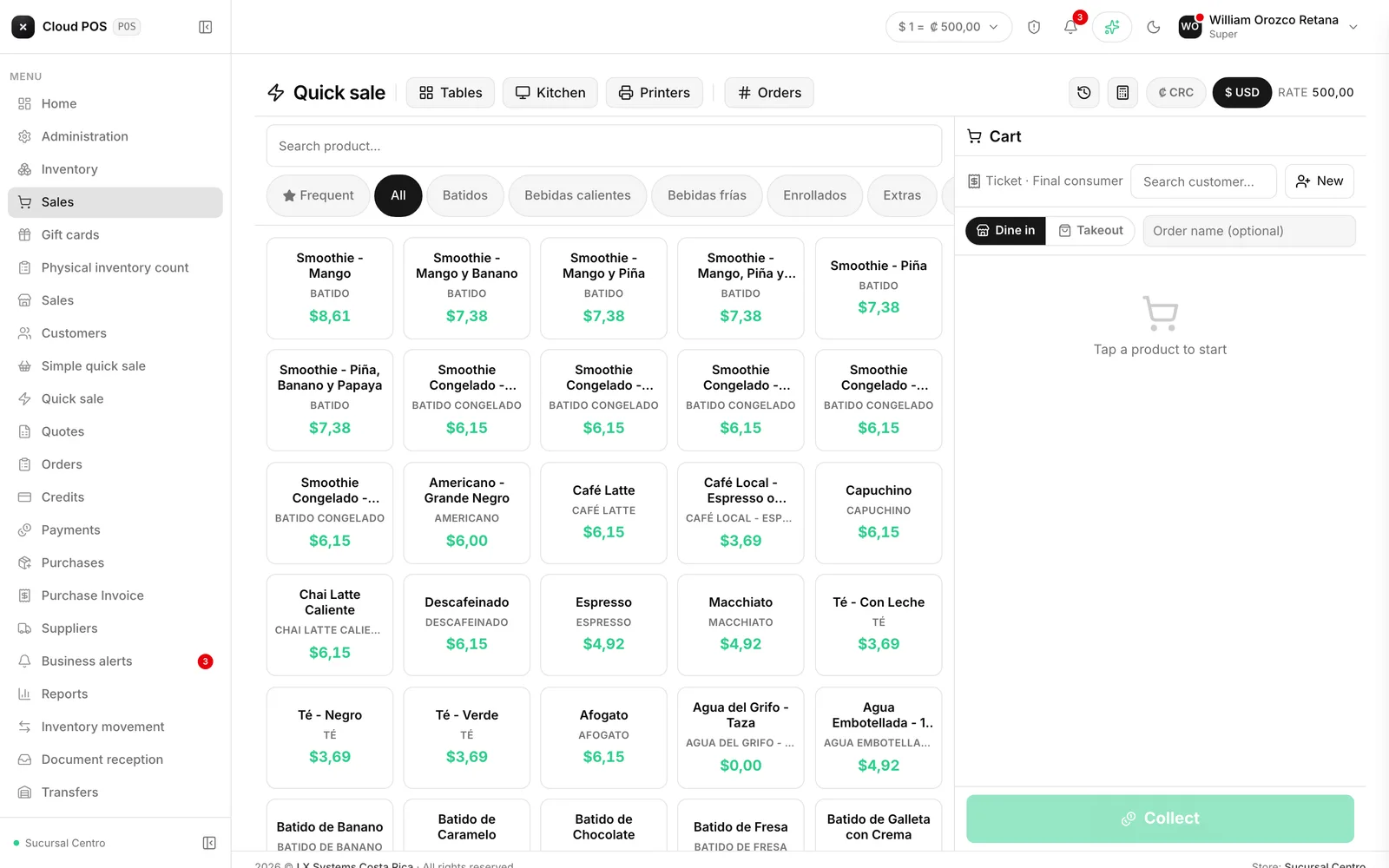
Quick sale now builds a Frequent category on its own, with the best-selling products at that specific point of sale, and puts it first in the list. Nothing to configure: it’s built from the location’s real sales history, so it changes on its own as what actually sells there changes.
“The usual”: repeat a customer’s order in one tap
With a customer selected, a new button loads their entire last purchase into the cart at once. Great for the regular who orders the same thing every day — no more looking up each product one by one.
Reprint a recent sale without searching for it
The screen header now shows the last five sales of the day, and any of them can be reprinted with one tap, without going all the way to the document list.
Fixed-price combos, ready to sell
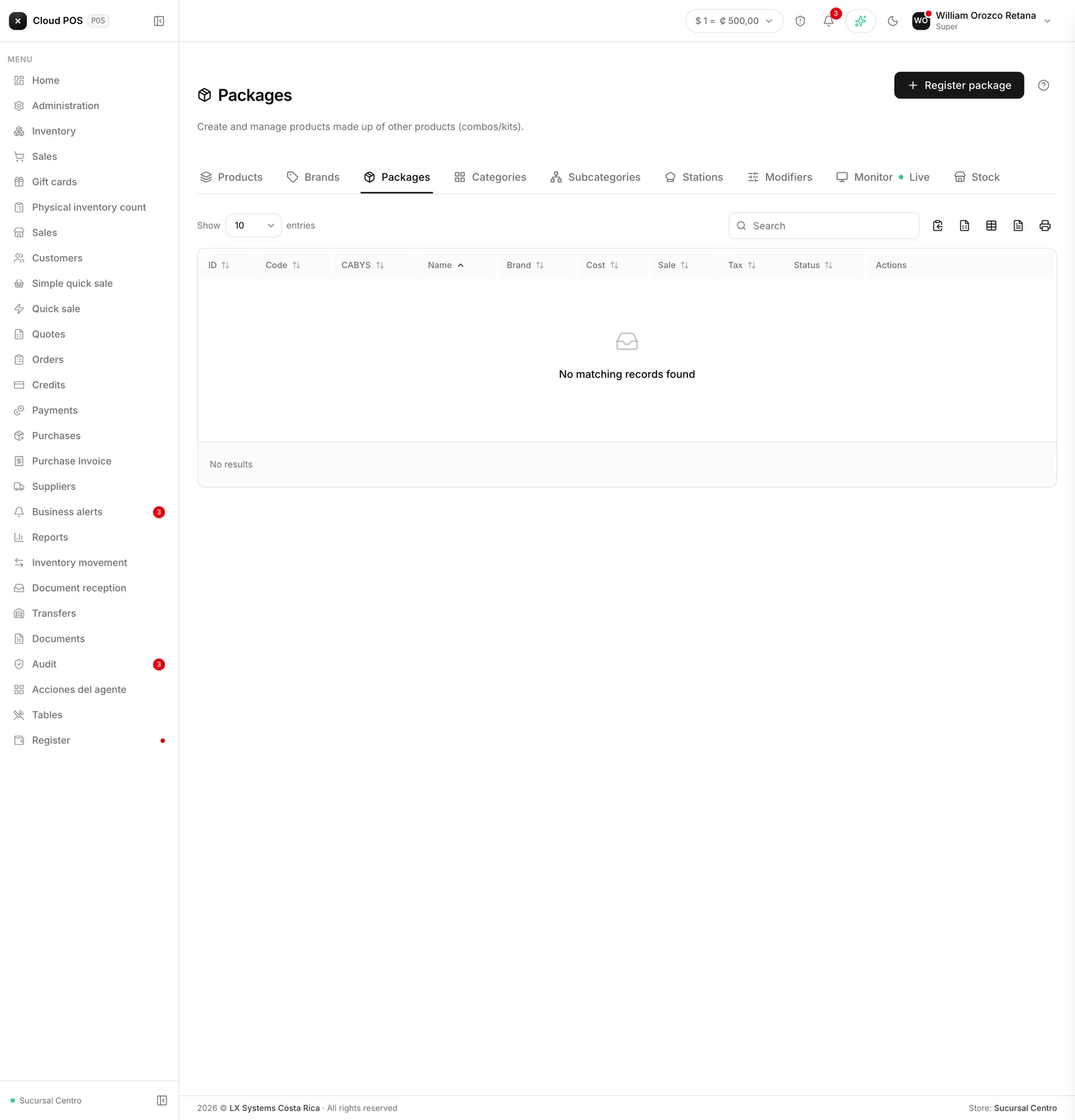
Combos built in Packages now sell straight from the touch screen, just like any other product: tap the combo, it goes into the cart at its fixed price, and the system deducts each of its components from inventory separately.
Tip and discount also when checking out a table
When closing or splitting a table’s check, tip and discount can now be added in the same checkout step — the same way it already worked for a counter sale.
Held orders show up on every device at the point of sale
Before, an order left in progress only showed up on the device where it was saved. Now any tablet or phone at the same point of sale can pick it back up, so one person can start an order at a table and someone else can finish it from a different device.
The catalog updates itself
A new product, a price change, or a category change no longer requires leaving and re-entering quick sale to see it: the screen updates on its own, right away.
Don’t see one of these features yet? Combos and table checkout depend on your business having those catalogs set up. Reach out and we’ll check your configuration.