Extras next to their dish, takeout orders and on-site-only service charge in quick sale
Version of Saturday, August 15, 2026This second batch of the day is still aimed at cafés and restaurants: a cart that reads more clearly, a kitchen that doesn’t have to guess what’s takeout, and a service charge that comes out right on its own.
Extras, right next to their dish
In the cart, a dish’s extras no longer show up as loose lines scattered through the whole list. They now appear inside that product’s own card, right below it — so it’s clear at a glance which extra belongs to which dish, especially when a sale has several similar dishes.
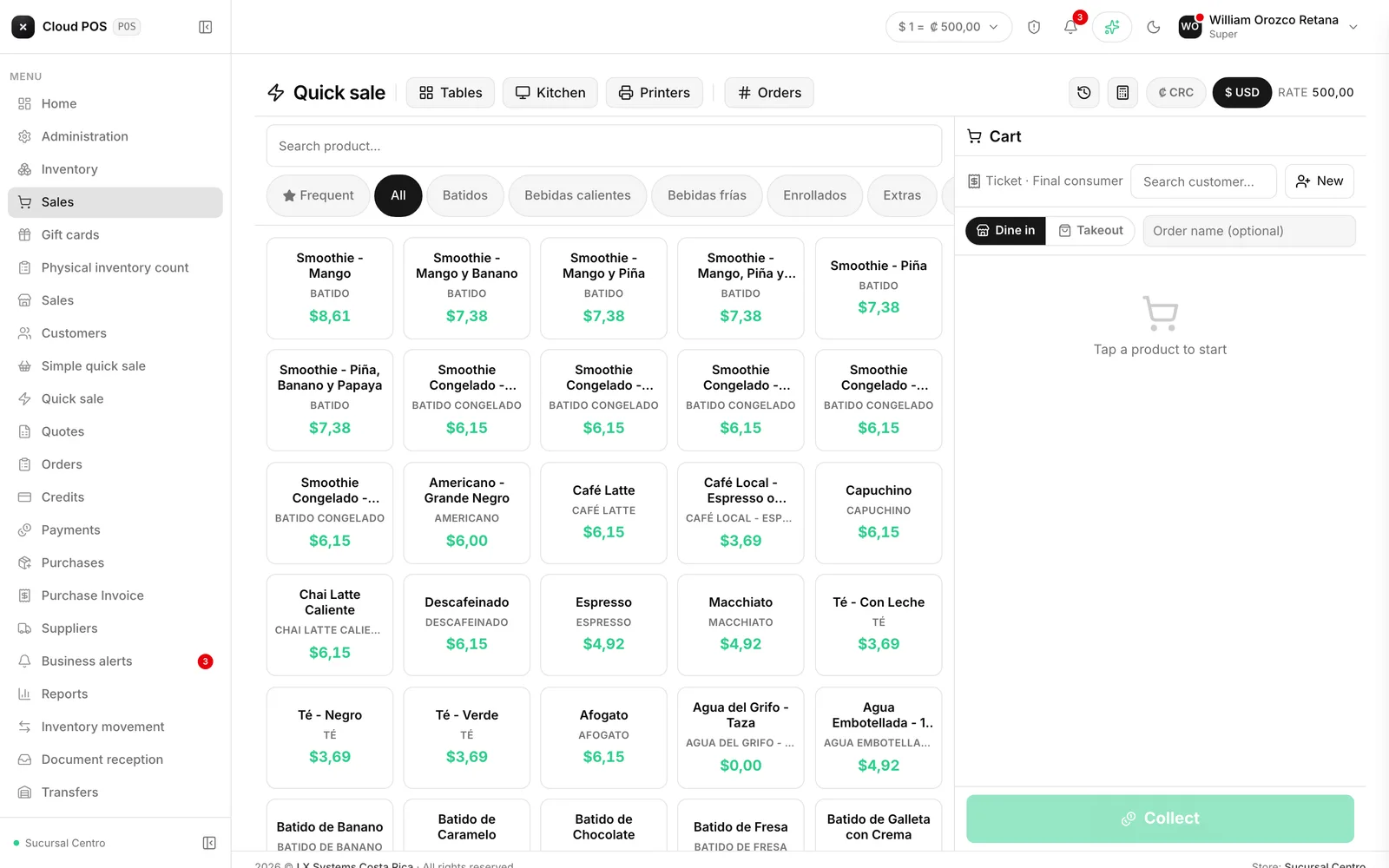
Mark part of the order as takeout
Every dish in the cart can be marked Dine in or Takeout by tapping its ⊕ button, and a free-text note for the kitchen can be added right there. On a mixed order — part dine-in, part takeout — the kitchen ticket prints with each dish labeled, so the kitchen never has to guess which one goes on a plate and which one goes in a to-go box.
The 10% service charge, dine-in only
Dishes marked as takeout are automatically excluded from the 10% service charge: that charge only applies to what’s served and eaten on site. The receipt’s detail reflects that difference, dish by dish.
Don’t see the service charge in the detail? That depends on your business having that charge set up. Reach out and we’ll check your configuration.