A table can now hold more than one check at a time
Version of Saturday, September 5, 2026Until now, a table meant one single check. If two groups who didn’t come in together sat at the same table — normal enough in a small diner or bar — one of two things happened: the second group had to wait for the first to leave, or everything ended up mixed into one check that someone had to untangle by hand afterward. Not anymore.
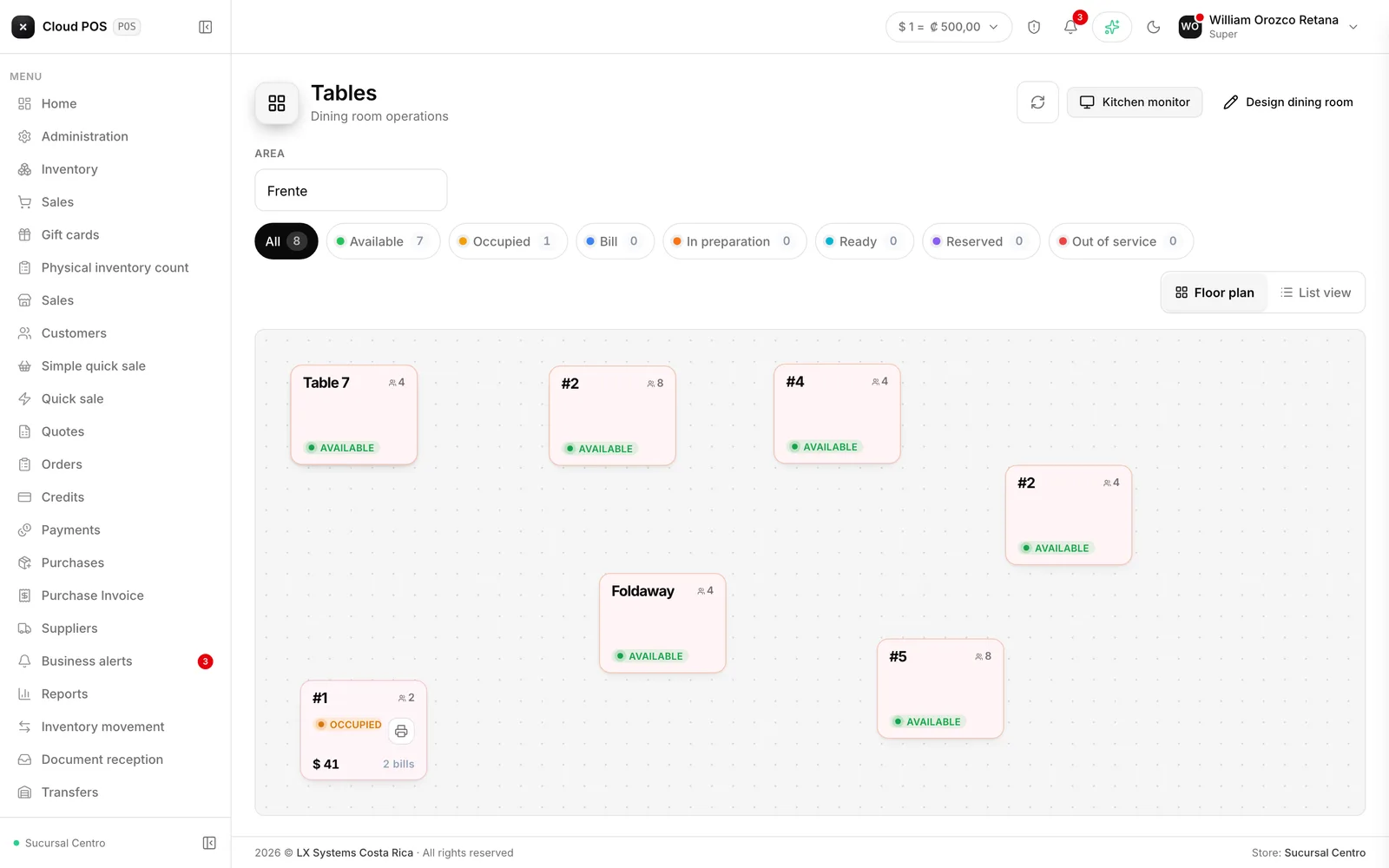
Another check for whoever sat down later
There’s a new button on the table, “Another check”, that opens an independent check for the group that arrived later. If you don’t name it, the system suggests “Check 2”, and so on. Each check orders and pays on its own, without touching what the other one already has.
When you enter the table, the system asks which check the next item goes to, and the check you’re currently working on always shows at the top of the cart — tap it to switch groups. The button to send to the kitchen confirms it too: it says who you’re sending the order to, for example “Send to Camila”.
When printing the check to hand to a customer, you also choose which one, so each group gets theirs and not the neighboring table’s. Each check is charged separately, and the table frees itself automatically once the last open check is closed. A check opened by mistake can be discarded with the trash button, as long as it doesn’t already carry an uncharged item.
With a single check — the everyday case for most tables — nothing changes: it still looks and charges exactly as it did before.
Splitting a check by quantity, not just by whole line
Splitting a check no longer forces you to hand over a whole line at once. If the table ordered two coffees on a single line, you can now charge one and leave the other pending — before, you had to charge both together or neither. It’s the same +/- control already used to choose how much of a line to take, now it also goes down by unit within a single line.
Also: a table stuck marked as occupied
A new button lets you clear a table that got stuck marked as occupied when nobody is actually sitting there anymore — it happens when a table gets opened by mistake, or a group leaves before the check is closed properly. Before, fixing that meant going through another screen; now it’s a direct button right on the dining room floor plan.
Does your business seat groups together who didn’t come in together? Write to us if you’d like us to check how your dining room is set up to take advantage of this right away.