Everything by branch, not lumped together across the whole business
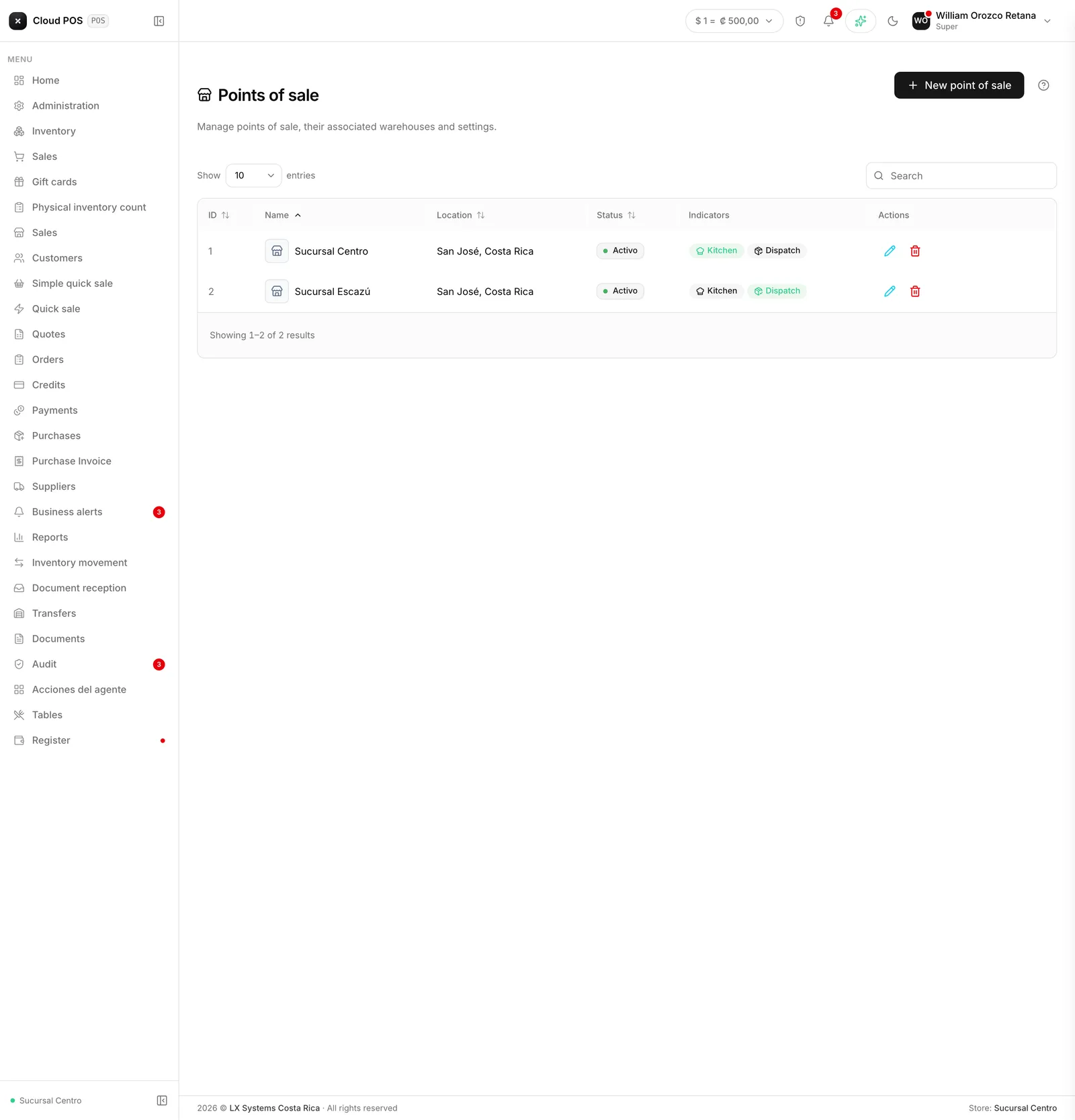
Version of Tuesday, September 8, 2026For a business that already runs two or more points of sale, several screens were mixing every branch’s information together as if it were one. This round of changes separates what belongs to each store, on several fronts at once.
A point-of-sale filter across reports
The Sales, Items, Clients, Accounts Receivable, and the rest of the Reports screens now come with a point of sale filter, so you can see just what happened at the branch you care about right now, without having to subtract the rest by hand.
How much each store sells, right from the home screen
The home screen now shows a “Sales by store” card, with the amount, the percentage of the total, and the number of documents for each branch — so you can tell at a glance whether one store is pulling ahead of another without having to dig it out of a separate report. This card only shows up for businesses with more than one point of sale.
Tipping turns on by branch
Tipping at table checkout is now turned on per point of sale, instead of always being on for the whole business. If one branch charges tips and another doesn’t — say, a takeout-only location with no tables — each one is configured on its own.
The dining room and the kitchen no longer cross branches
Each branch’s dining room and kitchen monitor now show only their own tables and their own tickets — a table from one store can no longer show up, even by mistake, in another store’s dining room.
Notifications no longer mix between stores
The notification bell and the phone’s push notifications are now separated by point of sale: an invoice accepted by the tax authority at one branch no longer rings or shows up for someone working at another. Before, a business with several stores got the noise from all of them mixed together, with no way to tell which one it actually needed to act on.
Do you run more than one point of sale and want to check how it’s set up? Write to us and we’ll go through it together.