Physical count: several people counting at once, without stepping on the same product
Version of Friday, September 11, 2026Until today, a warehouse or point of sale could only have one inventory count open at a time. If two people wanted to help count the same big warehouse, they had to take turns on the same document. This version lets you count as an actual team.
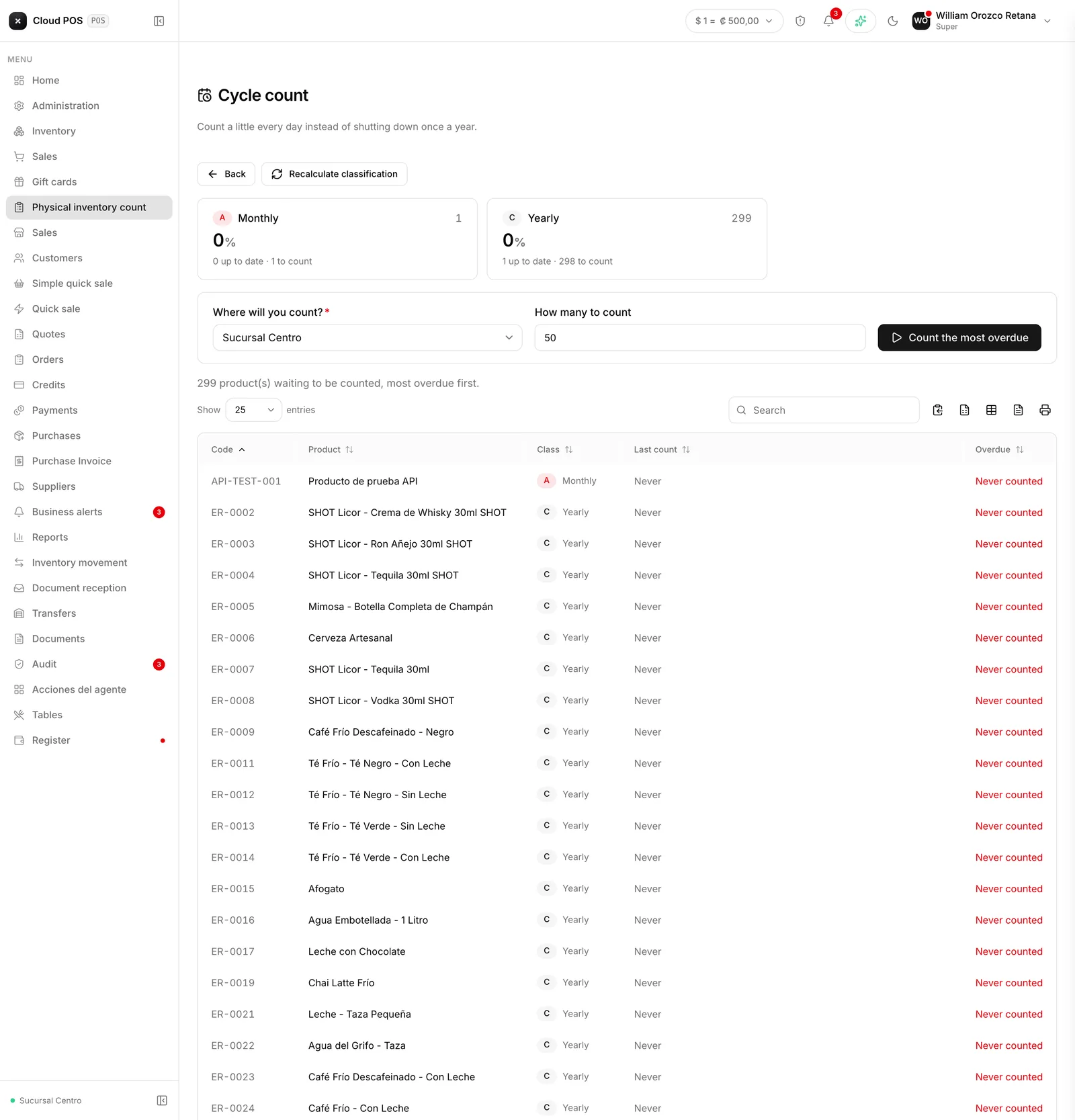
Several counts, one warehouse
You can now open several counts at once for the same location. Each person opens their own, with their own scope — say, one counts beverages and another counts groceries — and works their sheet independently, without waiting for the other to finish.
The one thing that’s still one at a time is the person: each one can only have one active count at a time, and has to close or void it before opening the next one.
One product, one count
With several sheets open over the same warehouse, it was only a matter of time before two people counted the same product without knowing it, and each one ended up generating its own adjustment for the same shortage or overage. That can no longer happen.
Being inside a count’s scope doesn’t reserve the product: counting it does. The first person to record a quantity for that product keeps it. On every other sheet, the line can be seen but not touched: it shows up marked with a lock that says which count it belongs to and who counted it, in case someone needs to ask about it. If someone tries to scan a code that another sheet already claimed, the system warns right there, not at the end.
That lock only releases when the count that claimed the product closes or gets voided, and the product becomes free again for another sheet to count if it’s still needed.
Inventory no longer gets adjusted twice for the same product
This is the part that really protects it: when a count closes and adjusts a product, the other sheets that also had it in their scope update instantly, so none of them go on to apply the same variance again over a number that already changed. Without this, the risk wasn’t that the system would flag an error — it was ending up with two perfectly normal inventory movements, each with its own signature, correcting the same thing twice, and the inventory ending up wrong without anyone noticing.
The list of counts and the closing dialog also show how many lines of a count another sheet already counted, so it’s clear why that part of the warehouse doesn’t show up as pending.
Do you count inventory with several people at the same time? Write to us and we’ll go over how to split the scope across your team.