Quotes and Orders: notifying the customer is now opt-in
Version of Thursday, September 17, 2026Until today, generating a quote or an order sent a copy to the customer —by email, and by WhatsApp in businesses that have it active— unless someone remembered to uncheck the box first. This version turns that around: it only goes out if you ask for it.
Why it changed
A quote or an order is almost never put together in one pass: a price gets corrected, a product gets added, a quantity gets adjusted, and it gets generated again several times before it’s ready for the customer. With automatic sending, every one of those passes reached the customer — not just the final version.
What changed
In the Configuration panel of both screens, the “Send to customer by email” checkbox now comes unchecked. If you want the customer to receive the document, check it before generating. If you don’t check it, the document still gets generated and saved as always —the PDF is ready and on record— it just doesn’t go out anywhere.
The checkbox governs the whole notification to the customer: email, and WhatsApp too, in businesses that have it active.
Resend is still there
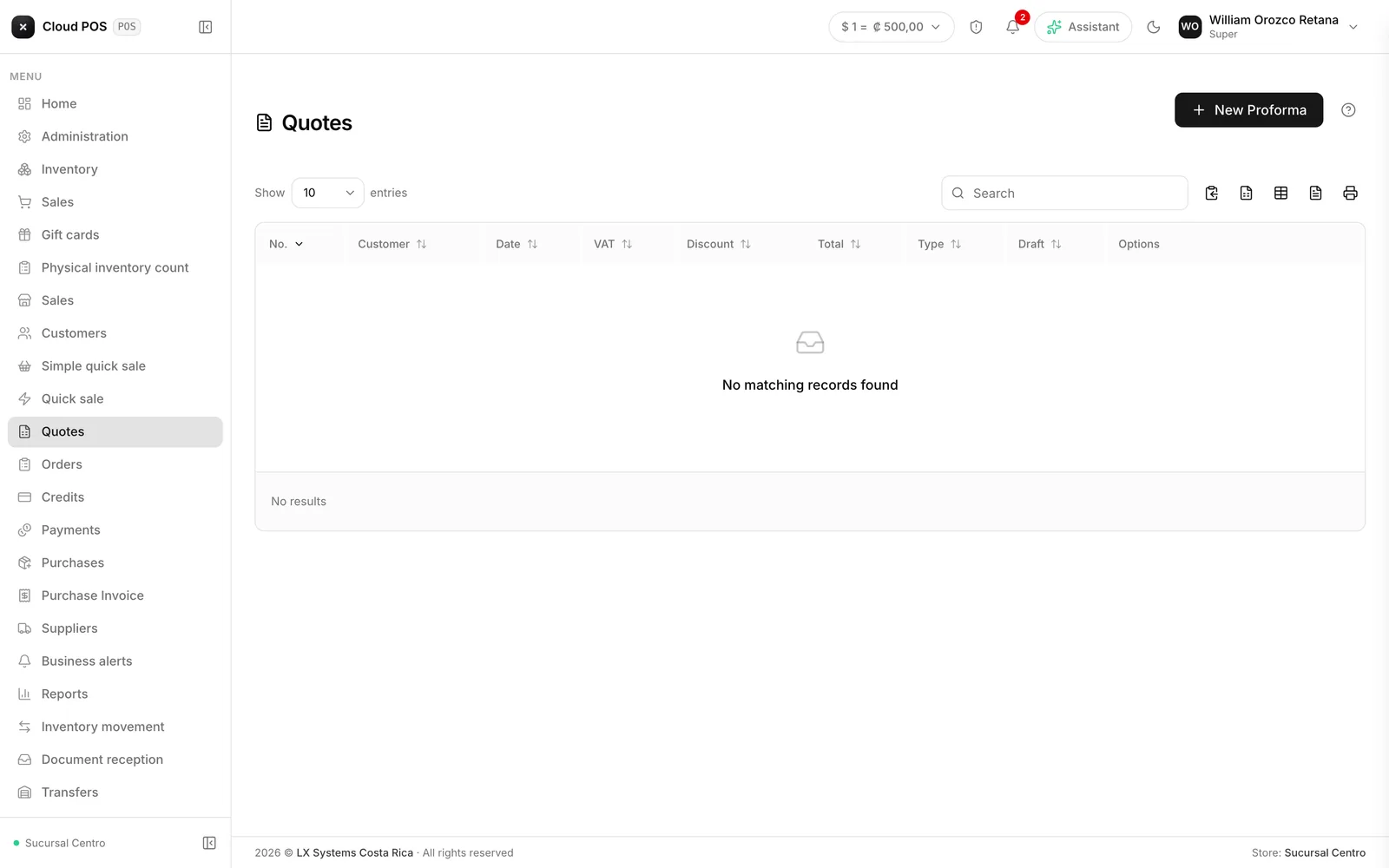
Nothing changes about Resend, from the Quotes or Orders list: it’s still there to send the document to the customer once it’s ready, as many times as needed.
How to put together a quote → How to put together an order →
Generated a quote or an order and forgot to check the box? No problem: the document is still saved either way, and you can send it whenever you want with Resend from the list.