Suppliers and purchases
This module keeps track of who the business buys from. You register a supplier once; from there, every purchase involves two separate things: the merchandise that physically enters inventory, and the tax document that backs up that purchase with Hacienda.
The supplier and purchase screens
| Screen | What it’s for |
|---|---|
| Suppliers | Register and edit who the business buys from |
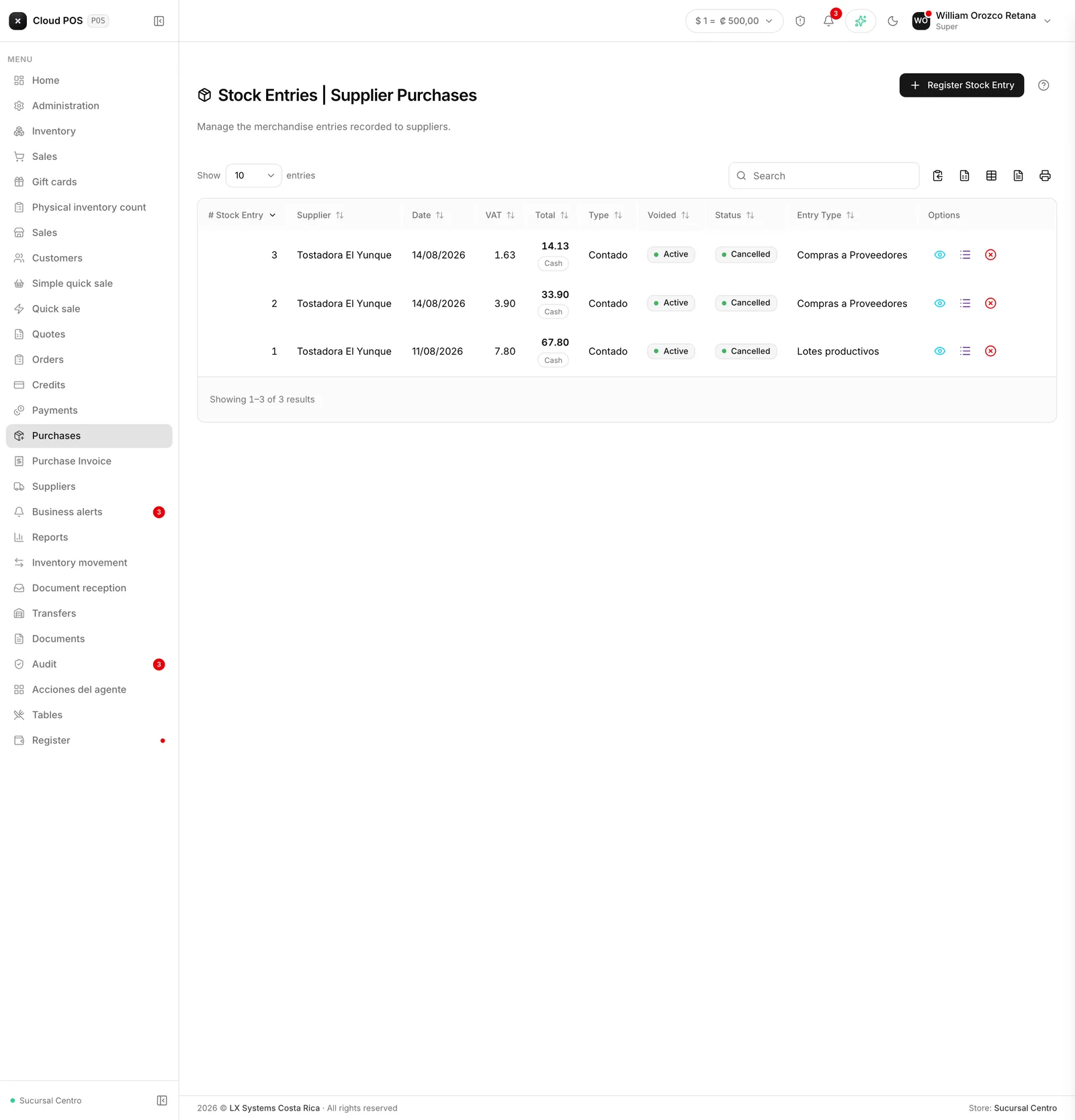
| Purchases | Receive incoming merchandise and add it to inventory |
| Purchase invoices | The tax document that backs up the purchase with Hacienda |
| Accounts payable | View and pay what the business owes its suppliers |
Worth knowing
- Purchases and Purchase invoices are different things. Purchases is what moves inventory: it records what came in, how much, and which warehouse or store it went to. Purchase invoices is the tax paperwork — it doesn’t touch stock.
- Registering a purchase requires choosing where the merchandise goes (warehouse or store). If you don’t choose a destination, the merchandise isn’t reflected in any inventory.
- If the price you enter doesn’t match the product’s recorded cost, the system warns you before saving and asks which products you want to update the cost for. That’s intentional: so a mistyped price doesn’t change the margin on your whole catalog.
- You can import the electronic invoice your supplier sent you instead of typing each line by hand; the system tries to match each product with the ones in your inventory and tells you which ones it couldn’t identify.
- When registering a new supplier, choose the ID type first and then type the ID: the system fills in the name automatically with the data Hacienda has on file. If the ID already exists, it won’t let you duplicate it.