Quotes and Orders: automatic emailing is back
Version of Saturday, September 5, 2026Update from September 17, 2026: the checkbox now comes unchecked — sending to the customer became opt-in. See the note from September 17.
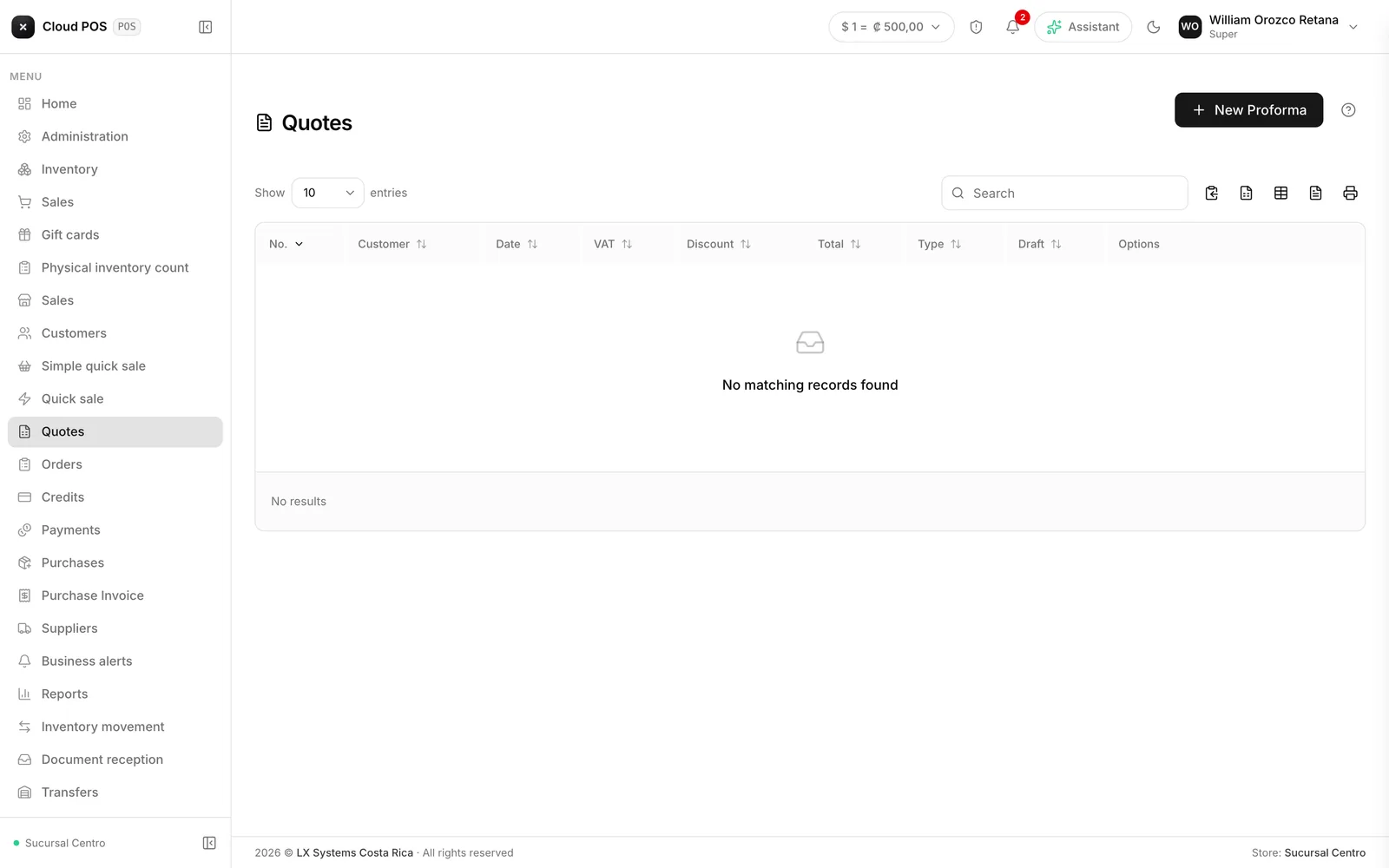
This version fixes something that never looked like a bug: generating a quote or an order said “generated successfully” whether or not the copy had actually gone out to the customer’s email.
What happened
The previous Quotes and Orders screen had an opt-out checkbox, “Send without email”, unchecked by default — meaning the normal behavior was to send the document on its own. When those two screens were migrated to the new version on July 3, the control disappeared and the behavior flipped: by default, nothing got sent. Since then, no new document reached the customer’s inbox on its own; you had to remember to go into the list and use “Resend” by hand every time.
Nobody caught it in time because the success message kept saying “generated successfully” regardless of whether the email had actually gone out.
How widespread it was
Across several businesses using these screens, no new document sent itself starting in July. In one case, an order that had already been invoiced the same day the issue was found had also gone out without notifying the customer.
It’s fixed now, and it’s your call
New quotes and orders go back to emailing themselves to the customer. And in the Configuration panel of both screens there’s a new checkbox, “Send to customer by email”, checked by default — uncheck it for the times you truly don’t want it sent.
How to put together a quote → How to put together an order →
Did you have to manually resend quotes or orders over the last few months? This version doesn’t resend the old ones for you — it fixes what gets generated from here on.