You can now see how much each client actually leaves you
Version of Sunday, September 6, 2026Billing a lot and earning a lot aren’t always the same thing. This release adds the missing piece to the client report, and along the way tightens up two everyday things: how far a discount can go, and what’s owed to a supplier.
Sales by Client now shows the profit, not just the sale
The Sales by Client report now carries three new columns: Cost, Profit, and Profitability % for each document, plus a Period profit card above the table. The client who bills the most isn’t always the one who leaves the most for the business, and now that shows up directly in the report, without having to work it out separately.
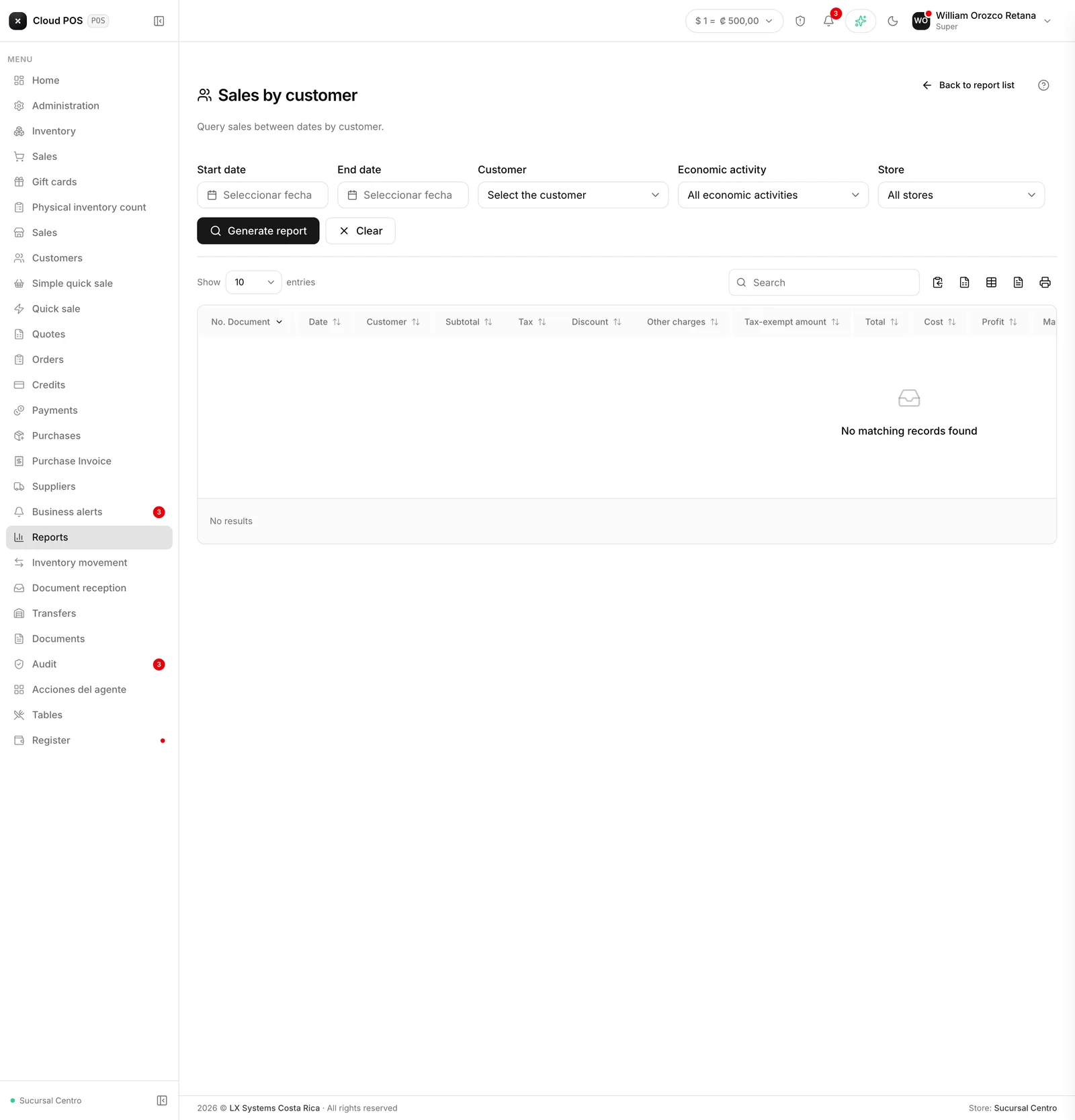
A dash (—) in the Profit column means some product on that invoice doesn’t have a cost loaded on its record, not that the profit on that sale was zero.
Each role now carries its own discount cap
At checkout in quick sale, the discount a cashier can apply now has a cap based on their role: an administrator can go up to 100%, and a cashier up to whatever percentage you define for them. Discount buttons that would go past that cap show up disabled, instead of letting someone apply a discount that wasn’t theirs to give.
Supplier payments now show a credit balance
When a credit note was applied to a supplier before, Payments now shows that credit balance in your favor, so it can be applied to a new purchase entry instead of sitting there forgotten with nobody remembering to use it.
Want to review the real profitability of your main clients? Write to us and we’ll go through the report together.