Physical count
Menu › Physical Count
What it’s for
It’s the physical inventory count: counting the merchandise that’s actually there, in a warehouse or a point of sale, and having the system compare that count against what it has on record. When something doesn’t match, it adjusts the surplus or the shortage with its own inventory movement.
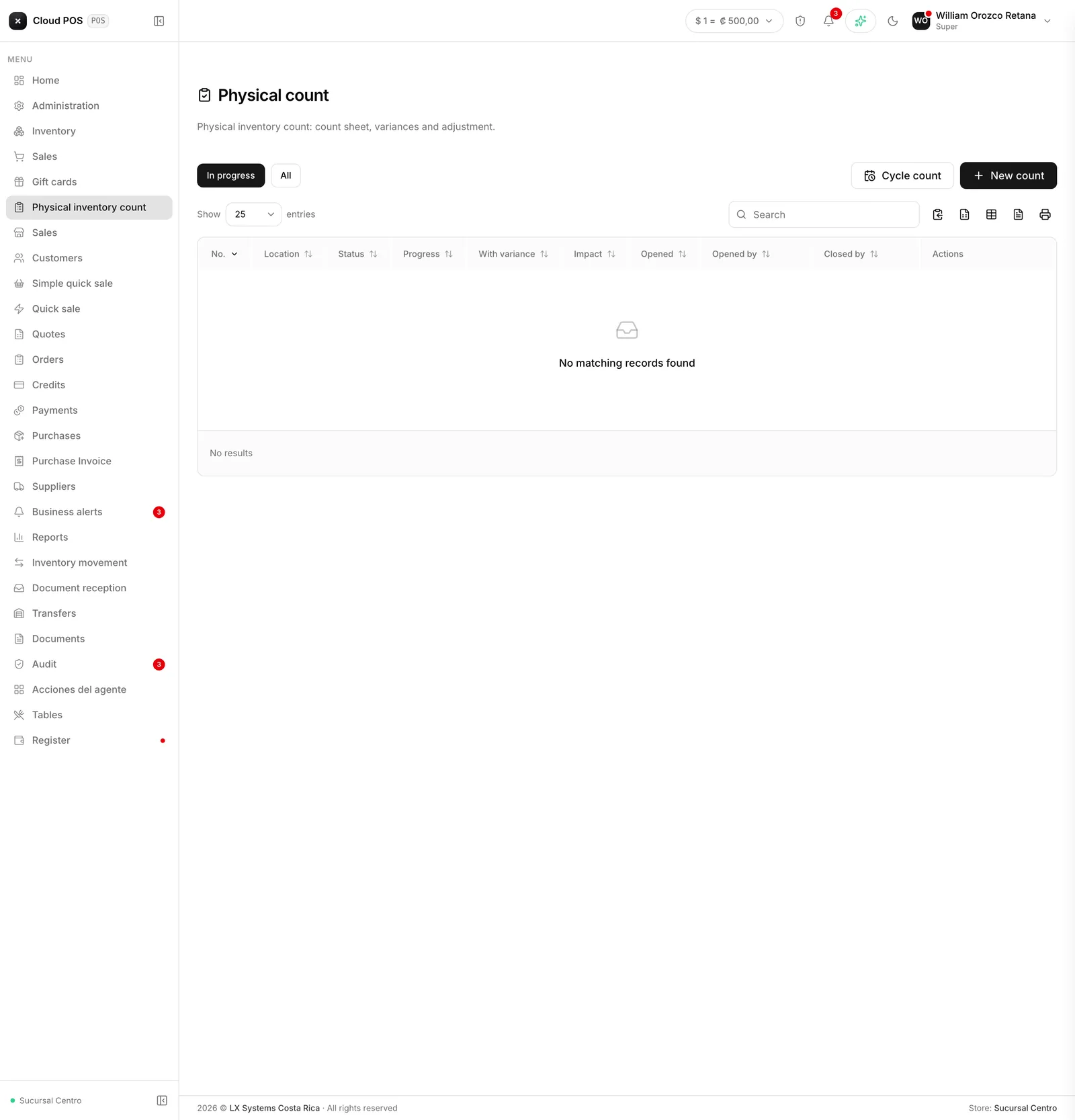
The screens in this module
| Screen | What it’s for |
|---|---|
| New count | Open a count: choose where, whether it’s blind, and the tolerance |
| Count sheet | Count, by scanning or by hand, with automatic saving |
| Variances and closing | Review what doesn’t match, ask for a recount, and close the adjustment |
| Cycle count | Count a little every day instead of stopping operations once a year |
Why the count is a document
The old way of counting inventory took a snapshot at the moment the count was confirmed, not at the moment it was actually counted. That caused a serious problem: if merchandise sold between the count and the confirmation, the adjustment was calculated against the wrong number.
Here’s a real example of what used to happen: at 8 a.m. the system says there are 50 units. You count and find 48 — 2 are missing. During the day, 12 sell, so by the end the real stock is 36. But if the count wasn’t confirmed until 5:30 p.m., the system compared the count (48) against what was on hand at that moment (38, since 12 had already sold) and calculated a variance of +10. Those 10 units never existed — they were sales that had already gone out, and the system put them back into inventory without anyone noticing.
Now, opening the count freezes the system stock for the entire scope, at that exact moment. The adjustment is always calculated against that frozen number, no matter how much sells while the count stays open. In the example above, the correct result is a 2-unit shortage (50 minus 48), and that’s exactly what the system adjusts today.
The life of a count
A count moves through states, in this order:
Open
Just created. The system stock for the whole scope was frozen at this moment.
Counting
It’s being counted. Progress can be saved as many times as needed before finishing.
In review
Everything has been counted. This is the moment to look at the variances before inventory actually moves.
Closed
The adjustment was applied. The count is saved with its report, and can no longer be touched.
From In review, some lines can be sent back for a recount, and the count returns to Counting only for those lines — the rest aren’t touched. Voided is the only exit that doesn’t end in an adjustment, and it’s only available while the count hasn’t been closed yet.
Things worth knowing
A single location can have several counts at once. A large warehouse can be split among several people, each with their own sheet and their own scope — their category, their brand — instead of waiting a turn to count.
What’s limited to one is the person, not the location: only one active count per person. Whoever opens a count has to close or void it before opening another, whether at the same location or a different one.
A single product only gets counted by one sheet at a time. Being inside a count’s scope doesn’t reserve the product — counting it does. If another sheet at the same location already counted it first, the line becomes read-only, with a lock pill showing which count it belongs to and who counted it — see Count sheet.
The list of counts shows how much another sheet beat you to. Under each count’s progress, it shows how many lines of its scope were already counted by another open count at the same location, and the closing dialog repeats that number before applying the adjustment.
A line nobody counted doesn’t get adjusted. The system doesn’t assume an uncaptured product has zero units. Counting zero, on the other hand, is data and does generate an adjustment if it doesn’t match what was on record.
Opening a count depends on the permission to edit inventory. Closing it and applying the adjustment depends on a separate permission, meant so that whoever counts isn’t necessarily the same person who authorizes the variance — see Variances and closing.