Business alerts and other improvements
Version of Saturday, August 22, 2026The biggest thing in this batch is a new add-on that checks the business on its own, every morning. After that comes a long list of smaller improvements, from the restaurant to the printers.
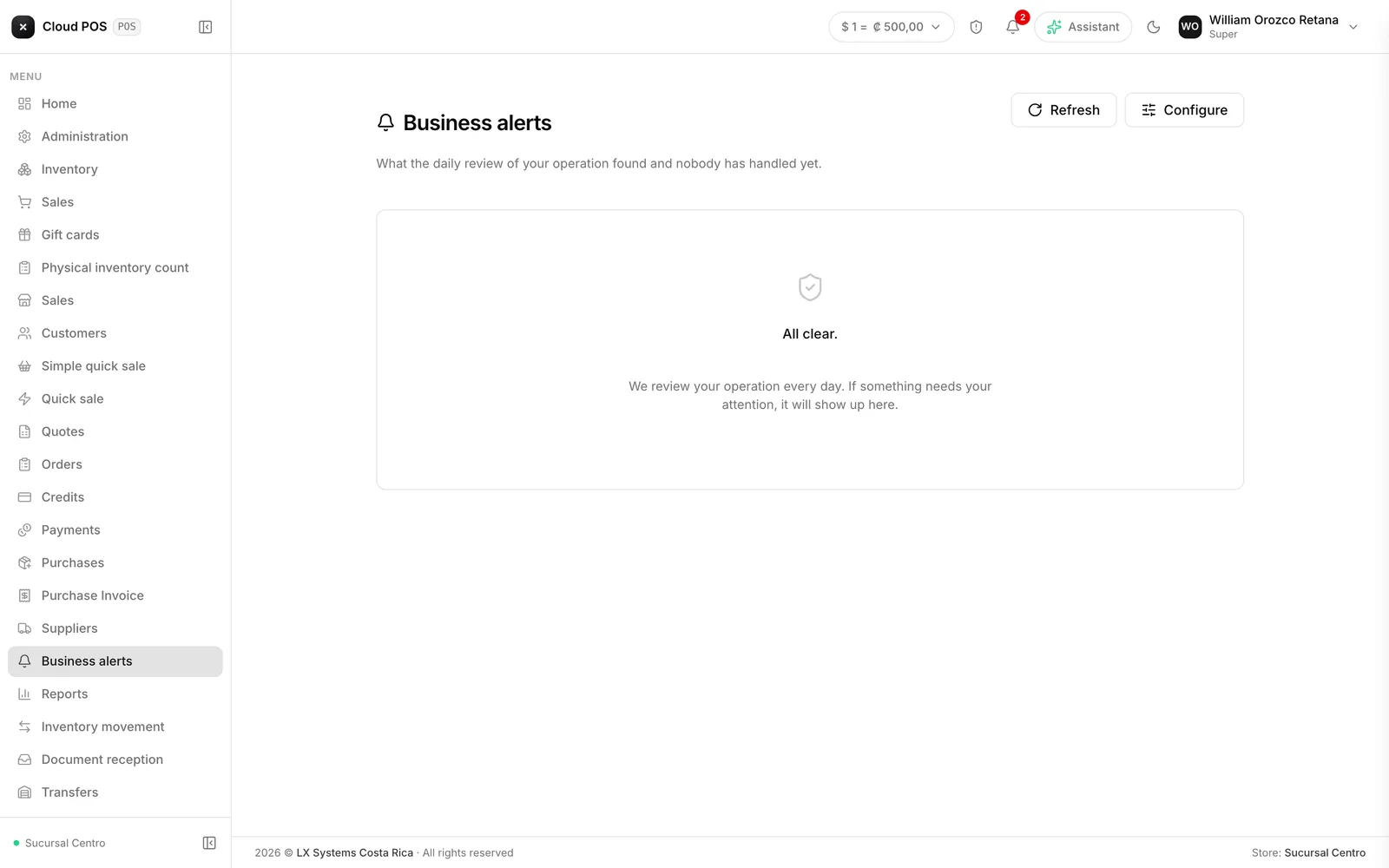
Business alerts
Every day, at six in the morning, the system checks the operation and leaves in a tray whatever it found that nobody has handled yet. There are six checks: invoices rejected by tax authorities, customers with overdue credit invoices, products out of stock, cash closings that don’t add up, inventory movements outside the normal range, and the digital certificate about to expire.
Each alert explains what’s going on in one sentence, with a severity — critical, high, or medium — so you know where to start. It can be marked resolved or dismissed, and dismissing it keeps it quiet for a few days instead of showing up again every morning. There’s a settings screen where you choose which of the six checks you want active, and from what threshold they warn you — for example, how many days overdue, or from what amount.
It’s an add-on contracted separately from the system.
Two alerts that already come with a fix
Of the six checks, two don’t stop at just warning you.
Customer with overdue credit → “Send them the account statement”. One tap and it goes out by email. If the customer doesn’t have an email on file, the system says so right there, instead of failing silently.
Products out of stock → “Build the purchase”. It shows the suggestion grouped by supplier, and picking one leaves a draft ready that opens in Purchases for you to review and confirm — nothing buys itself. The suggested quantity is what sold over the last 60 days, only for products that are currently at zero; anything that hasn’t sold isn’t suggested.
The assistant can now do two more things
Besides answering questions, the data assistant can now adjust stock and record a payment toward a credit balance. It doesn’t do it alone: it leaves the form ready with the data filled in, and a person confirms it. Nothing gets written without that step.
Restaurant and kitchen tickets
- Every table now records how many people sat down, and the floor plan shows how many are in the venue in total.
- Kitchen tickets now print automatically at the right station, with the table or order number in larger, easier-to-read type.
- Fixed an issue where the service charge dropped out of the total when checking out a table, undercharging the bill.
- Fixed an issue where paying a bill in cash was always rejected.
Printers
You can once again search for printers on the network without waiting for the previous search to finish, and you can now type the printer’s address by hand — before, it was rejected even when the printer worked fine. On iPad, the printer picker no longer opens hidden behind the window.
Cash expense with a supplier
A cash drawer expense can now point to a registered supplier, so you know who got paid. It’s reference only: it doesn’t touch the business’s accounts payable.
Logging in with a PIN from the phone
On the phone, each employee can now log in by typing a five-character PIN, instead of a username and password. It’s built for the counter iPad that several cashiers share: each one logs in as themselves, without typing their full password every time. The PIN is generated per employee from Users, on the computer. Nothing changes on the web version: you still log in there with a username and password.
Don’t see the business alerts? It’s an add-on contracted separately. Reach out and we’ll turn it on.