Reports
The system saves every sale, every purchase, and every inventory movement as they happen; reports are how you see them already organized, without having to build the summary by hand. There are more than twenty-five, grouped here by topic.
Reports, by topic
General overview
| Report | What it answers |
|---|---|
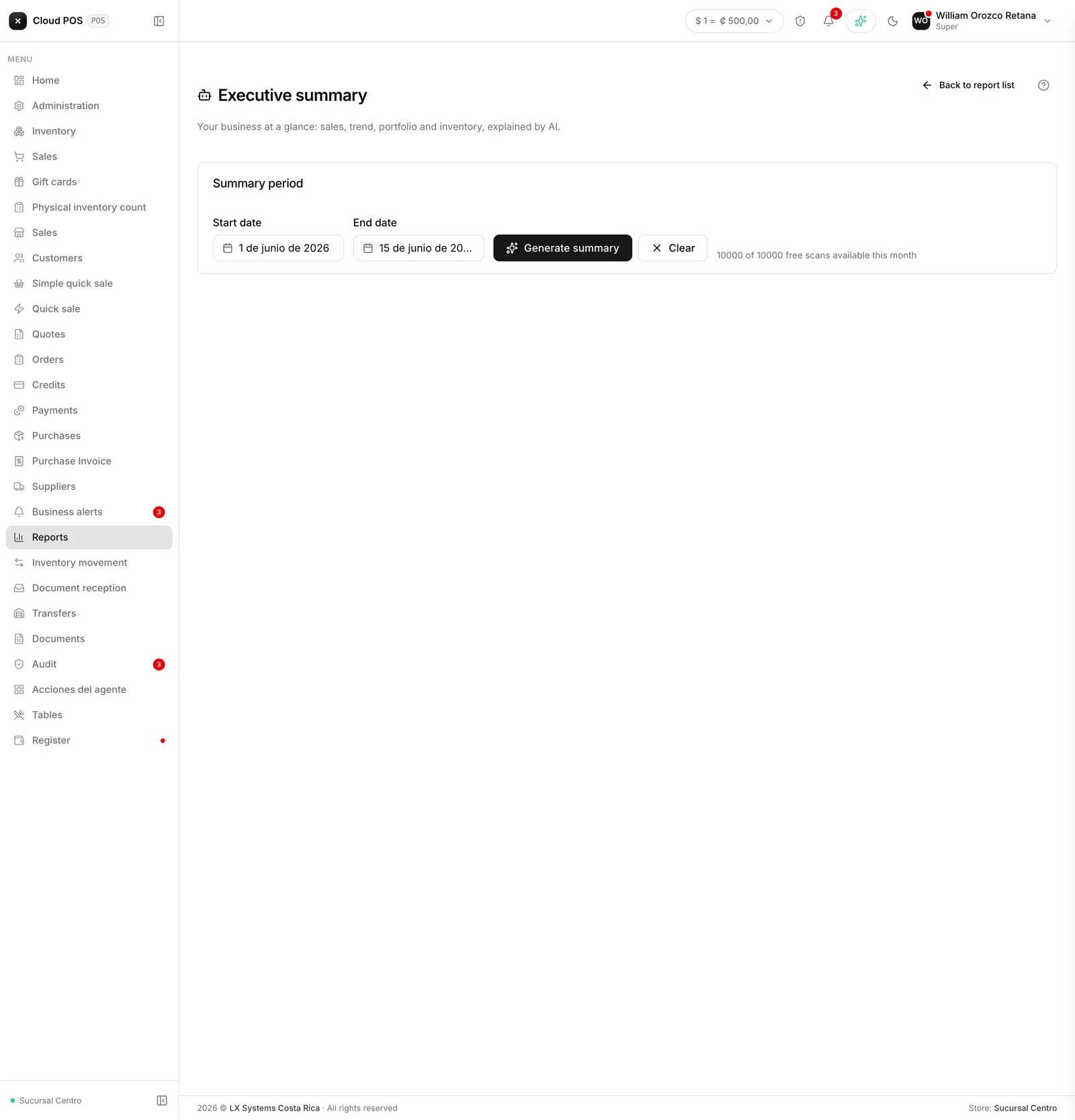
| Executive summary | How sales, receivables, and inventory are doing, explained in plain language |
Sales and performance
| Report | What it answers |
|---|---|
| Sales report | Total sold in the period, with tax and exemptions |
| Items report | Which products sold and how much they generated |
| Monthly close | Whether all the documents and totals for the month add up |
| Historical Profit | How much was sold, what it cost, and how much was earned, month by month |
| Transactions | Cash and credit sales, and the average ticket, filterable by user |
| Sales by category, by customer, and by user | The same as the sales report, grouped differently |
Inventory and purchasing
| Report | What it answers |
|---|---|
| Inventory report | Current stock by category |
| Inventory movement, inventory by supplier | The detail of stock in, stock out, and which supplier each product comes from |
| Purchases from suppliers, purchases by electronic receipt | Merchandise received and purchase receipts on record |
| Production batches | Batch control for businesses that make their own products |
Customers and accounts receivable
| Report | What it answers |
|---|---|
| Customers report | Who they are and how much they buy from you |
| Accounts receivable | Outstanding customer balances |
| Overdue accounts | Documents already past their payment deadline |
| Customer receivables | Delinquency by day range |
| Collections by user, other charges, exemptions | Who collected what, and which sales went out tax-exempt |
Suppliers and accounts payable
| Report | What it answers |
|---|---|
| Payments to suppliers, supplier receivables | What the business owes each supplier and what it has already paid |
Tax and compliance
| Report | What it answers |
|---|---|
| Tax report | Tax collected in the period |
| Tax reconciliation | Compares tax charged against tax paid |
Good to know
- The Executive summary is the best place to start: using artificial intelligence, it explains in a few lines how sales, receivables, and inventory are doing for the period, without having to check report by report.
- Almost all of them ask for a date range before generating; several also filter by customer, supplier, category, currency, or point of sale.
- The Point of Sale filter shows up in almost every report, but only if the business has more than one — with a single point of sale there’s nothing to narrow down, so the combo box just doesn’t appear.
- The tax and reconciliation reports are the ones your accountant will care about most at the end of the month.
- Not every report has its own page in this manual yet — the ones that don’t are grouped here by topic in the meantime.
- If you don’t see one of these reports in your menu, your role doesn’t have it enabled. Check with the business administrator.